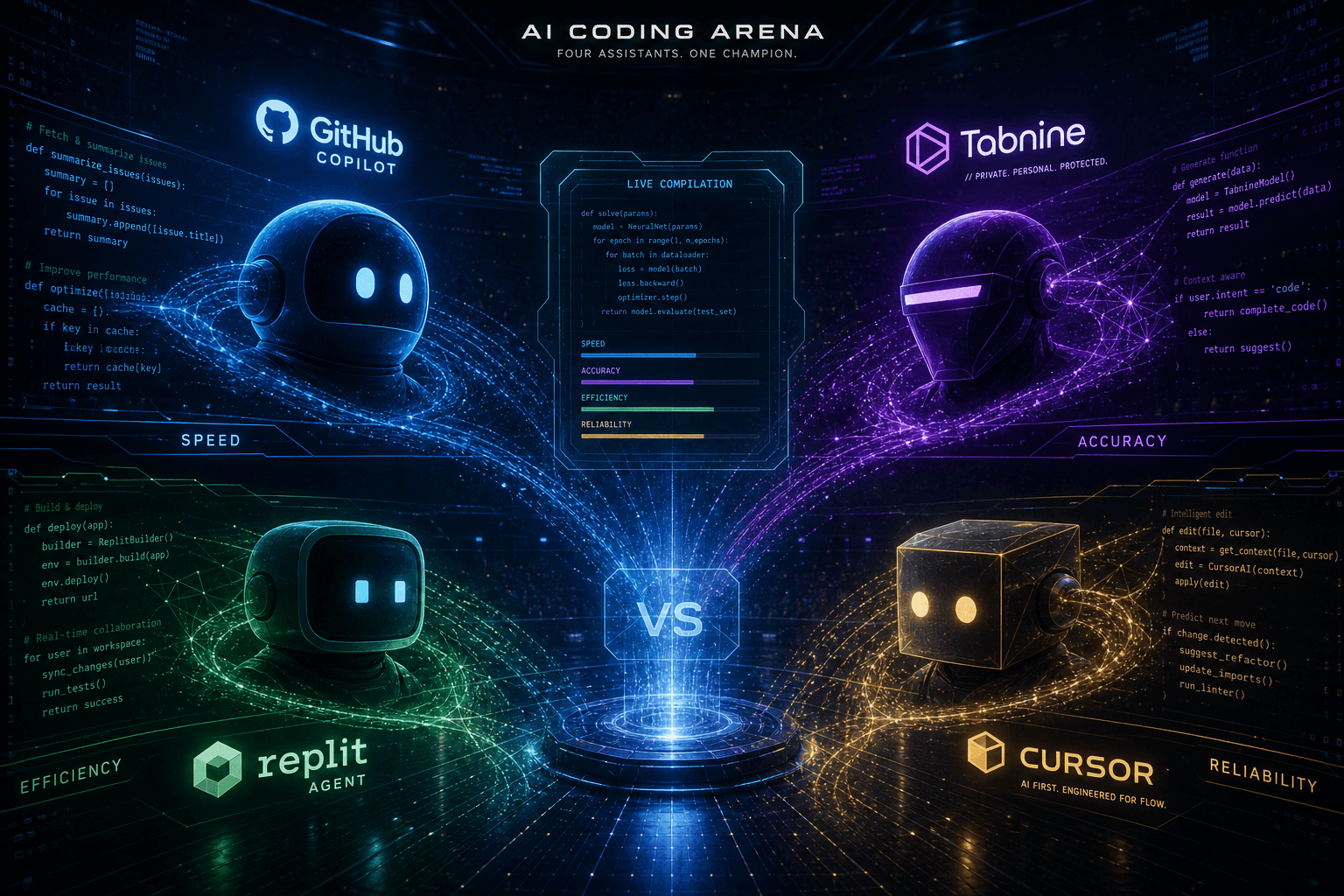
The Complete AI Coding Assistant Showdown: Cursor vs. Claude Code vs. Antigravity vs. Codex

Table of Contents
The Complete AI Coding Assistant Showdown: Cursor vs. Claude Code vs. Antigravity vs. Codex #
Four tools dominate the AI-assisted development landscape in mid-2026. Each has carved out distinct territory. Cursor owns the IDE-native workflow with proprietary models and deep editor integration. Claude Code dominates terminal-native development with unmatched extensibility through skills and hooks. Google Antigravity experiments with multi-agent orchestration and browser-aware subagents. OpenAI Codex pushes cloud-native async coding with always-on background agents.
I've shipped production code with all four. I've paid for all four. I've hit the limitations of all four. This comparison isn't based on marketing pages—it's based on thousands of hours of actual usage across client projects, internal tools, and experimental builds.
The landscape has shifted dramatically since early 2025. What was once a GitHub Copilot monopoly has fragmented into genuine competition. Each tool now has real strengths and real weaknesses. Picking the wrong one for your workflow costs time and money. This guide gives you the mechanism-level detail to choose correctly.
What this comparison covers:
- The architecture and philosophy behind each tool
- Real pricing with usage math for typical developers
- Feature matrices showing exactly what each tool does and doesn't do
- MCP and agent ecosystem support
- When each tool wins (and when it loses)
- Multi-tool workflows that combine their strengths
- Where this market is heading in the next 12 months
Let's get into it.
What Is Cursor and Who Builds It? #
The short answer: Cursor by Anysphere is a VS Code fork rebuilt around AI-native interactions. It ships with proprietary models, deep MCP integration, and an emerging SDK for programmatic agents. The company was valued at approximately $50 billion as of March 2026 with over $2 billion in annual revenue.
The Anysphere Origin Story #
Cursor started as an MIT research project. The Anysphere founders—four MIT students—built an early version of what became Cursor's tab completion model. They raised a seed round, then a Series A, then kept raising as the product found product-market fit with startling speed. By mid-2025, Cursor was the default recommendation in most developer communities. By 2026, it's a genuine phenomenon.
The company's bet is simple: the IDE is the right interface for AI-assisted coding, but legacy editors (VS Code included) were built before AI existed. So Anysphere forked VS Code—preserving its extension ecosystem and familiar keybindings—and rebuilt the core around AI-native interactions.
Cursor 3: The Agent-First Redesign #
Released April 2, 2026, Cursor 3 represents a fundamental rearchitecture. The VS Code-derived interface is gone, replaced by an agent-first design centered on the Agents Window. This isn't a feature addition—it's a philosophical shift from "AI helps you code" to "AI codes, you supervise."
Key Cursor 3 capabilities:
| Feature | What It Does | When You Use It |
|---|---|---|
| Agents Window | Run dozens of coding agents in parallel across local machines, cloud VMs, remote SSH, and worktrees | Large refactors, multi-repo changes, background tasks |
| Cloud Agents | Agents that run in Anysphere's cloud with screenshot/demo generation | When local resources are constrained or you need 24/7 execution |
| Handoff System | Switch between local and cloud agent sessions without context loss | Hybrid workflows requiring both local context and cloud scale |
| Design Mode | Annotate UI elements directly for agent context | Frontend work requiring precise visual specifications |
| Plugin Marketplace | MCP integrations, third-party skills, and subagent configurations | Extending Cursor's capabilities without code |
According to Anysphere's own data, 35% of Cursor's PRs are now agent-generated—a staggering metric that signals how deeply this workflow has penetrated their own development process.
Composer 2: Cursor's Proprietary Coding Model #
Cursor doesn't just wrap other companies' models. It ships Composer 2, a purpose-built coding model trained specifically for software engineering tasks. As of May 2026, Composer 2 pricing breaks down as:
| Tier | Input | Output | Cache Read |
|---|---|---|---|
| Standard | $0.50/M tokens | $2.50/M tokens | $0.20/M tokens |
| Fast | $1.50/M tokens | $7.50/M tokens | $0.35/M tokens |
This represents approximately 86% cost reduction compared to Composer 1.5—a massive shift that makes Cursor's proprietary model competitive with using API keys for frontier models directly.
Performance benchmarks (May 2026):
- CursorBench: 61.3
- Terminal-Bench 2.0: 61.7
- SWE-bench Multilingual: 73.7
These numbers place Composer 2 in the top tier of coding models, though not quite at GPT-5.4 level on all benchmarks. The tradeoff is cost and integration—Composer 2 is optimized for Cursor's specific interaction patterns.
The Cursor SDK (Public Beta) #
April 2026 also saw the release of the Cursor SDK in public beta. This is a TypeScript package that provides:
- Programmatic access to codebase indexing
- Semantic search across your code
- Subagent orchestration with custom logic
- Native MCP integration
The SDK is the bridge between "Cursor as a tool" and "Cursor as a platform." For teams building internal AI coding infrastructure, this is a significant unlock. You can now build custom agents that use Cursor's indexing and context management without reinventing that infrastructure yourself.
What Cursor gets right:
- The tightest IDE integration of any tool on this list
- Proprietary models optimized specifically for coding
- Massive ecosystem of extensions and MCP servers
- Fastest tab completion (it genuinely feels psychic)
- The Composer agent mode handles multi-file refactors with minimal guidance
Where Cursor struggles:
- Requires staying in the Cursor IDE (vendor lock-in concerns)
- Proprietary models, while good, aren't always the absolute best for every task
- Can be resource-intensive, especially with large codebases
- Pricing can escalate quickly for heavy users on the Fast tier
What Is Claude Code and How Does It Work? #
The short answer: Claude Code is Anthropic's terminal-native AI agent that now includes a VS Code extension, subagents, skills, and hooks for automation. It runs wherever you run shell commands and connects directly to Anthropic's Claude models via API.
Terminal-Native Philosophy #
Claude Code's core bet is that the terminal is the right interface for AI agents. Not because terminals are user-friendly—they're not—but because terminals are universal. Every development environment has a terminal. Every CI/CD pipeline has a terminal. Every server you SSH into has a terminal.
This universality gives Claude Code flexibility that IDE-native tools can't match. It can run inside VS Code's integrated terminal. It can run in iTerm2. It can run over SSH on a remote server. It can run in a GitHub Action. The same tool, the same interface, the same capabilities everywhere.
The VS Code Extension (Beta) #
In a move that surprised many who saw Claude Code as strictly terminal-native, Anthropic released a VS Code extension in beta. This doesn't turn Claude Code into an IDE-native tool like Cursor—it brings Claude Code's agent interface into a sidebar panel with real-time diff viewing.
The extension preserves the terminal-native architecture while adding visual diff review, which was always the biggest gap in the terminal experience. You still interact with Claude Code through natural language commands, but now you can see proposed changes in a familiar diff view before accepting them.
Skills: Extending Claude Code Without Code #
Skills are Claude Code's most underappreciated feature. A skill is a Markdown file containing knowledge, workflows, or instructions that Claude Code can invoke. Skills follow the Agent Skills open standard, meaning skills you write for Claude Code can theoretically work with other agent systems.
Bundled skills include:
/simplify— Refactor code for clarity/batch— Execute operations across multiple files/debug— Systematic debugging workflows/loop— Iterative refinement patterns
Custom skills can:
- Define deployment workflows (
/deploy production) - Encode team-specific conventions (
/style-guide) - Automate repetitive tasks (
/generate-api-docs) - Embed knowledge bases (
/architecture-decisions)
Skills turn Claude Code from a generic assistant into a specialized team member. The /deploy skill I use knows my infrastructure, my environment variables, my approval workflows. It doesn't just "help me deploy"—it knows how I deploy.
Subagents: Parallel Execution with Context Isolation #
Claude Code's subagent architecture is sophisticated. A subagent runs its own isolated execution loop, maintaining separate context from the parent agent. This enables:
- Context isolation: Subagents don't pollute the parent context with exploration dead-ends
- Parallel execution: Multiple subagents work on different parts of a problem simultaneously
- Specialized workers: A subagent can load different skills or configuration than the parent
- Safe experimentation: Try risky operations in a subagent without affecting main state
The Claude Agent SDK (formerly Claude Code SDK) provides programmatic access to subagents in both Python and TypeScript. This means you can build applications that spin up Claude subagents as part of larger workflows—imagine a CI pipeline that delegates specific tasks to specialized subagents.
Hooks: Automation at Lifecycle Boundaries #
Hooks are where Claude Code becomes truly programmable. They fire on 25 distinct lifecycle events and can execute:
- Shell commands
- HTTP requests
- Prompts to the user
- Other subagents
- MCP tool calls
Practical hook examples:
| Event | Hook Action | Use Case |
|---|---|---|
| After file edit | Run ESLint | Immediate feedback on code quality |
| Before command | Check for rm -rf |
Safety guardrails |
| On session start | Load project-specific skills | Contextual setup |
| After test run | Post results to Slack | Team notification |
| On error | Search internal knowledge base | Self-healing workflows |
Hooks turn Claude Code into an automation platform. The agent isn't just responding to your prompts—it's running a configurable pipeline around every action.
What Claude Code gets right:
- Universal portability across any terminal environment
- Skills system makes customization accessible (it's just Markdown)
- Subagents enable genuinely sophisticated parallel workflows
- Hooks provide automation hooks that no other tool matches
- Direct API access means you pay for exactly what you use
- Works with any editor—you're not locked into a specific IDE
Where Claude Code struggles:
- Terminal interface has a learning curve for developers used to GUIs
- No built-in tab completion (though editor extensions can provide this)
- Requires more setup to match Cursor's out-of-box experience
- Less visual polish than IDE-native alternatives
What Is Google Antigravity and What's Different About It? #
The short answer: Google Antigravity is a multi-agent IDE built on Google's AgentKit framework. It orchestrates browser-aware subagents across editor, terminal, and cloud environments with native A2A protocol support. It's Google's bet on what comes after traditional IDEs.
The Multi-Agent Architecture #
Antigravity's defining characteristic is that it treats agents as first-class citizens, not features. Where Cursor has an "agent mode" and Claude Code has "subagents," Antigravity has an entire architecture designed around multiple agents with distinct roles, capabilities, and workspaces.
The Manager Surface serves as the core control center—a dashboard for supervising multiple agents across different workspaces. Each agent can have its own:
- Editor view with separate file context
- Terminal session with isolated environment
- Browser instance for web research
- Tool configurations and MCP connections
This isn't just parallelism. It's a different mental model where you delegate to specialized agents rather than conversing with a single assistant.
AgentKit 2.0 Integration #
Released in May 2026, AgentKit 2.0 brings significant improvements to Antigravity's agent capabilities:
| Capability | What Changed | Impact |
|---|---|---|
| Tool Call Accuracy | Better schema adherence and error recovery | Fewer failed agent actions |
| Debug Output | Richer logs and step-by-step execution traces | Easier to debug agent behavior |
| Context Sharing | Improved state passing between agents | Better multi-agent coordination |
| Error Handling | Granular exception catching and recovery | More robust long-horizon tasks |
AgentKit is Google's framework for building reliable agents. By integrating it deeply, Antigravity gets enterprise-grade agent infrastructure that individual developers would struggle to build themselves.
Browser Subagents: The Differentiator #
Antigravity's browser subagents are genuinely unique. These aren't just "agents that can browse"—they're separate Chrome profiles with:
- DOM interaction capabilities
- Screenshot and video recording mechanisms
- Multi-tab workflow management
- JavaScript execution context
What browser subagents enable:
- API documentation lookups during coding
- Dashboard monitoring and alerting
- GitHub Actions status checks
- Competitor research while building
- Visual testing and screenshot comparison
- Form filling and authentication flows
The April 2026 update resolved earlier issues with JavaScript initialization, form input handling, and multi-tab workflows. Browser subagents are now production-capable for tasks that require web interaction.
A2A Protocol: Agent Interoperability #
A2A (Agent-to-Agent) is Google's proposed standard for agent communication. Antigravity's support for A2A means agents built in Antigravity can interoperate with:
- LangChain agents
- AutoGen agents
- Other A2A-compatible frameworks
Without custom bridging code. This is forward-looking infrastructure—betting that the future involves agents from different vendors needing to coordinate.
Local LLM and Gemma 4 Support #
Antigravity stabilized Ollama and LM Studio connectivity in May 2026, making it viable for developers who want to:
- Keep code and data on-premises
- Avoid API costs for high-volume workflows
- Experiment with custom-tuned models
- Maintain air-gapped environments
The Gemma 4 integration enables multimodal capabilities:
- Code generation from UI screenshots
- Component code from design images
- Processing annotated diagrams and wireframes
This positions Antigravity as a bridge between design tools and implementation—upload a Figma export, get React components.
What Antigravity gets right:
- Most sophisticated multi-agent orchestration of any tool
- Browser subagents enable research-heavy workflows
- A2A protocol support is forward-looking
- Deep Google ecosystem integration (Gemma, Vertex, AgentKit)
- Strong multimodal capabilities with Gemma 4
Where Antigravity struggles:
- Steepest learning curve of the four tools
- Still feels experimental compared to mature alternatives
- Requires Google Cloud familiarity for advanced features
- Smaller community and fewer third-party resources
- Resource intensive—running multiple agents isn't lightweight
What Is OpenAI Codex and Why Async? #
The short answer: OpenAI Codex is a cloud-native coding agent that works asynchronously in parallel environments. It emphasizes background task execution with always-on automations and CI/CD integration. It's OpenAI's answer to the question: "What if AI coding didn't require you to be present?"
The Cloud-Native Model #
Codex operates on a fundamentally different assumption than the other tools. Cursor, Claude Code, and Antigravity are synchronous—you prompt, they respond, you iterate. Codex is asynchronous—you assign tasks, they execute in the cloud, you review results later.
This isn't a limitation. It's a design choice that enables workflows the synchronous tools can't match:
- Parallel execution: Multiple tasks run simultaneously in isolated cloud environments
- Background operation: Agents continue working while you're in meetings, asleep, or focused elsewhere
- Always-on automations: Trigger agents on events (new issues, alerts, scheduled jobs)
- CI/CD integration: Native hooks into GitHub Actions, GitLab CI, and other pipeline tools
Codex environments are full cloud workspaces with their own file systems, tool installations, and network access. Each task gets a clean slate or can inherit from previous work—your choice.
Codex CLI and MCP Server Mode #
Codex is available via CLI for local development work, but the real power comes from delegation. You can kick off a task locally, then have it continue in the cloud while you do something else. The CLI command codex mcp-server exposes Codex itself as an MCP server—meaning other agents (including Claude Code or Cursor) can delegate tasks to Codex's cloud infrastructure.
This creates interesting hybrid possibilities. Cursor or Claude Code for the interactive work you're present for. Codex for the background batch jobs you want to fire and forget.
The Agents SDK Integration #
For complex workflows, Codex can be orchestrated through the OpenAI Agents SDK. This enables:
- Deterministic, reviewable workflows
- Multi-step pipelines with human-in-the-loop checkpoints
- Escalation paths when agents encounter uncertainty
- Integration with GPT-5.5, GPT-5.3-Codex-Spark, and other OpenAI models
The SDK treats Codex as one component in a larger orchestration system. You might have a pipeline that: (1) uses GPT-5.5 to analyze a GitHub issue, (2) delegates implementation to Codex, (3) runs automated tests, (4) requests human review if tests fail.
Worktrees and Parallel Development #
Codex introduced worktrees as a first-class concept. Multiple agents can work on the same repository in parallel without stepping on each other—each in their own branch, their own environment, their own context. This is particularly powerful for:
- Large refactors split across multiple agents
- A/B implementation approaches explored simultaneously
- Multi-repository changes coordinated centrally
- Feature development while maintenance happens in parallel
Always-On Automations #
The automation layer is where Codex most clearly differentiates. You can configure agents to:
- Monitor alert channels and respond to incidents
- Triage incoming GitHub issues and assign labels
- Run scheduled maintenance tasks
- Generate and file PRs for dependency updates
- Monitor competitor repositories for relevant changes
This moves Codex from "coding assistant" toward "ops assistant"—infrastructure that happens to write code rather than a tool for writing code.
What Codex gets right:
- Best-in-class async/background execution
- Native CI/CD and automation integration
- Multiple parallel worktrees enable complex workflows
- Can serve as MCP server for other tools to use
- Strong at operational tasks, not just feature development
Where Codex struggles:
- Synchronous editing feels slower than Cursor or Claude Code
- Less interactive for the "pair programming" use case
- Requires ChatGPT subscription model (bundled pricing)
- Cloud-only means no offline work capability
- Less immediate feedback loop than local tools
Head-to-Head: Core Feature Comparison #
The short answer: Cursor wins on IDE integration and proprietary models. Claude Code wins on terminal flexibility and extensibility. Antigravity wins on multi-agent orchestration. Codex wins on async cloud execution. The tables below break down every dimension that matters.
Execution Model Comparison #
| Dimension | Cursor | Claude Code | Antigravity | Codex |
|---|---|---|---|---|
| Primary Interface | VS Code fork | Terminal | Multi-agent IDE | Cloud + CLI |
| Interaction Model | Synchronous chat | Synchronous chat | Async multi-agent | Async background |
| Local Execution | Yes | Yes | Yes | CLI only |
| Cloud Execution | Cloud agents available | No | Yes | Core feature |
| Parallel Agents | Via Agents Window | Subagents | Core architecture | Worktrees |
| Offline Capability | Limited | Full (with local model) | Limited | None |
AI Model Access #
| Tool | Proprietary Models | Third-Party Models | Local Models |
|---|---|---|---|
| Cursor | Composer 2 (Standard/Fast) | OpenAI, Anthropic via API | No |
| Claude Code | None (uses Anthropic API) | Anthropic Claude series | Via API proxy |
| Antigravity | Gemini 3.1 Pro, Gemma 4 | Via API configuration | Ollama, LM Studio |
| Codex | GPT-5.3-Codex-Spark | GPT-5.5, others | No |
Code Intelligence Features #
| Feature | Cursor | Claude Code | Antigravity | Codex |
|---|---|---|---|---|
| Tab Completion | Yes (Composer 2) | No | Limited | No |
| Inline Edits | Yes | Via diff | Yes | Via diff |
| Multi-file Refactor | Composer mode | Yes | Agent delegation | Worktrees |
| Codebase Search | Semantic + text | Grep + semantic | Google-native | Vector search |
| Test Generation | Built-in | Via skills | Via agents | Automation recipes |
| Documentation Gen | Yes | Via skills | Via agents | Yes |
| Explain Code | Yes | Yes | Yes | Yes |
Development Environment Integration #
| Integration | Cursor | Claude Code | Antigravity | Codex |
|---|---|---|---|---|
| Git Integration | Built-in UI | CLI commands | Built-in | Native automation |
| Terminal Access | Integrated | Native | Integrated | Cloud shells |
| Debugger Support | Full VS Code | Via CLI | Limited | Cloud only |
| Docker/Containers | Extensions | Full CLI | Cloud-native | Cloud-native |
| SSH/Remote | Built-in | Native | Built-in | Via cloud |
| CI/CD Integration | Manual | Hooks + scripts | Agent automation | Native automations |
Learning Curve and Accessibility #
| Factor | Cursor | Claude Code | Antigravity | Codex |
|---|---|---|---|---|
| Setup Time | 5 minutes | 2 minutes | 15+ minutes | 5 minutes |
| IDE Migration | Full VS Code compatibility | None required | New environment | IDE-agnostic |
| Documentation Quality | Excellent | Good | Developing | Good |
| Community Size | Very large | Large | Small | Medium |
| Tutorial Ecosystem | Extensive | Growing | Limited | Moderate |
Performance Characteristics #
| Metric | Cursor | Claude Code | Antigravity | Codex |
|---|---|---|---|---|
| Response Latency | Fast (<2s) | API-dependent | Moderate | Async (N/A) |
| Large Codebase Handling | Good | Excellent | Good | Excellent |
| Context Window | 200K+ tokens | 200K (Claude 4) | Expandable | GPT-dependent |
| Memory Persistence | Session + project | Session + skills | Agent-specific | Task-specific |
| Resource Usage | High | Low | Very high | Cloud-offloaded |
Verdict by Use Case #
| Use Case | Winner | Why |
|---|---|---|
| Daily Feature Development | Cursor | Best IDE integration, fastest feedback |
| DevOps/Infrastructure | Claude Code | Terminal-native, portable, scriptable |
| Complex System Design | Antigravity | Multi-agent planning, browser research |
| Background Automation | Codex | Purpose-built for async, CI/CD native |
| Learning/Experimentation | Claude Code | Lowest barrier, works everywhere |
| Team Standardization | Cursor | Consistent environment, easy onboarding |
| Enterprise Security | Claude Code | Self-hostable, audit-friendly |
| High-volume Coding | Cursor | Composer 2 cost optimization |
Pricing Comparison: What Each Tool Actually Costs #
The short answer: Cursor runs $20/month for Pro. Claude Code uses your Anthropic API spend. Antigravity pricing varies by workspace. Codex is bundled with ChatGPT Plus/Pro subscriptions starting at $20/month with cloud task quotas. Details and real usage math below.
Cursor Pricing Structure (May 2026) #
Cursor offers a tiered subscription model with usage-based components:
| Tier | Monthly Cost | Includes | Best For |
|---|---|---|---|
| Hobby | Free | Limited requests, basic tab completion | Evaluation, light usage |
| Pro | $20 | Unlimited requests, GPT-4, Claude 3.5 | Individual developers |
| Business | $40/user | Team features, admin controls, analytics | Small teams |
| Enterprise | Custom | SSO, advanced security, priority support | Large organizations |
Composer 2 Pricing (pay-per-use on top of subscription):
| Model Variant | Input | Output | Cache Read |
|---|---|---|---|
| Composer 2 Standard | $0.50/M tokens | $2.50/M tokens | $0.20/M tokens |
| Composer 2 Fast | $1.50/M tokens | $7.50/M tokens | $0.35/M tokens |
Real-world usage math: A developer generating ~50K output tokens per day on Composer 2 Standard would spend approximately $3.75/day or ~$80/month on top of the $20 Pro subscription. The 86% price reduction from Composer 1.5 makes this competitive with direct API usage.
Claude Code Pricing Structure #
Claude Code is free to install. You pay for what you use through Anthropic's API:
| Model | Input | Output | Context Cache |
|---|---|---|---|
| Claude 4 Sonnet | $3/M tokens | $15/M tokens | $0.30/M tokens |
| Claude 4 Opus | $15/M tokens | $75/M tokens | $1.50/M tokens |
| Claude 3.5 Sonnet | $0.80/M tokens | $4/M tokens | $0.08/M tokens |
Real-world usage math: Heavy daily usage (100K input, 20K output tokens on Claude 4 Sonnet) runs approximately $0.60/day or ~$18/month. Light usage might be $5-10/month. The advantage is paying only for what you use—no subscription for months when you're not coding actively.
Claude Code also works with third-party API providers and can be configured to use OpenRouter or other endpoints, potentially reducing costs further.
Google Antigravity Pricing #
Antigravity's pricing is more complex and varies by deployment model:
| Deployment | Cost Structure | Notes |
|---|---|---|
| Cloud Workspace | Usage-based on GCP | Billed through Google Cloud account |
| Local + API | API costs only | Uses your Gemini/Vertex API key |
| Enterprise | Custom contract | Includes support and SLAs |
Estimated costs for typical usage:
- Gemini 3.1 Pro: ~$3.50/M input, ~$10.50/M output
- Gemma 4 (local): Hardware costs only
- AgentKit operations: Additional per-request charges
Antigravity tends to be more expensive for solo developers but can be cost-effective for teams already committed to Google Cloud infrastructure.
OpenAI Codex Pricing Structure #
Codex is bundled with ChatGPT subscriptions:
| Tier | Monthly Cost | Codex Includes | Best For |
|---|---|---|---|
| Plus | $20 | 15-80 local messages per 5-hour window, no cloud tasks | Light coding assistance |
| Pro | $200 | 5x-20x more usage, GPT-5.3-Codex-Spark access | Heavy daily coding |
| Plus Promo | $100 | Double normal Plus usage through May 31, 2026 | Trial period |
| Business | Custom | Cloud tasks, team management | Small teams |
| Enterprise | Custom | Larger VMs, enterprise security | Large organizations |
API Pricing (for programmatic access outside subscription):
Pay-per-token based on GPT model used. GPT-5.3-Codex-Spark rates apply for coding-specific tasks.
Real-world usage math: Plus tier at $20/month is sufficient for most developers doing daily coding work. The message limits are generous enough that only power users need Pro. Cloud tasks (background execution) require Business tier minimum.
Total Cost of Ownership Comparison #
For a typical developer coding 4-5 hours daily:
| Tool | Monthly Cost (Typical) | Cost Drivers |
|---|---|---|
| Cursor | $40-120 | $20 base + Composer 2 usage |
| Claude Code | $15-40 | API usage only, no base fee |
| Antigravity | $50-200+ | Cloud workspace + API + AgentKit |
| Codex | $20-200 | Subscription tier + usage |
When Cost Shouldn't Be the Decider #
Price matters, but the productivity difference between tools often dwarfs the cost difference. A tool that saves you 30 minutes daily pays for itself many times over at any of these price points. Consider cost when:
- Budget is genuinely constrained (early-stage startup, hobby project)
- You're evaluating at scale (team of 50+ developers)
- Usage patterns are predictable (can negotiate enterprise rates)
For individual developers, Claude Code is the cheapest (pay only for API). Cursor is the best value for heavy users (flat-ish subscription). Codex is simplest (bundled with ChatGPT you might already have). Antigravity is enterprise-priced but justified if you're already in GCP.
MCP and Agent Support: The Integration Battleground #
The short answer: All four tools support MCP (Model Context Protocol), but implementation differs significantly. Cursor has a visual MCP marketplace. Claude Code exposes MCP through skills and hooks. Antigravity uses AgentKit 2.0 with A2A protocol bridging. Codex can serve as an MCP server itself. This section maps the integration surface area of each tool.
What Is MCP and Why It Matters #
The Model Context Protocol, introduced by Anthropic in late 2024, has become the de facto standard for connecting AI assistants to external tools and data sources. Think of it as USB-C for AI—one standard port that any tool can plug into.
MCP matters because it decouples your AI assistant from your tool ecosystem. Instead of each assistant needing custom integrations with GitHub, Slack, databases, and APIs, they all speak MCP. You configure your tools once, any MCP-compatible assistant can use them.
For a deeper dive on MCP architecture, see my dedicated guide: MCP Architecture: Building the USB-C for AI Agents.
Cursor's MCP Implementation #
Cursor approaches MCP as a marketplace experience. The Cursor 3 plugin marketplace includes MCP servers as first-class citizens:
| Aspect | Cursor Implementation |
|---|---|
| Discovery | Visual marketplace with search, ratings, categories |
| Installation | One-click add, no configuration files |
| Configuration | GUI-based setup with validation |
| Management | Enable/disable per workspace, update notifications |
| Custom Servers | Add via ~/.cursor/mcp.json or project-level config |
Popular MCP servers in Cursor's marketplace:
- GitHub (issues, PRs, repo management)
- Slack (messaging, channel operations)
- PostgreSQL (database queries)
- Brave Search (web search)
- Filesystem (advanced file operations)
- Fetch (HTTP requests)
Cursor's advantage is frictionless adoption. A developer can go from "I want my assistant to see my database" to "it's working" in under a minute. The tradeoff is less granular control compared to configuration-file approaches.
Claude Code's MCP Integration #
Claude Code approaches MCP as a developer-facing integration layer. There's no visual marketplace—instead, MCP tools become available to skills and hooks:
| Aspect | Claude Code Implementation |
|---|---|
| Discovery | Manual (find servers on GitHub/registry) |
| Installation | Add to claude.json or skills directory |
| Configuration | JSON configuration, environment variables |
| Management | Via skills system (enable/disable per skill) |
| Custom Servers | Native support, well-documented |
MCP access patterns in Claude Code:
- Via hooks: Trigger MCP tools on lifecycle events
- Via skills: Bundle MCP tools with domain-specific logic
- Via subagents: Isolate MCP tool usage to specific subagents
- Via SDK: Programmatic MCP orchestration
For example, a /deploy skill might use MCP to:
- Query GitHub (via MCP) for recent commits
- Check Datadog (via MCP) for current error rates
- Post to Slack (via MCP) when deployment completes
Claude Code's advantage is flexibility and composability. The tradeoff is higher initial setup complexity.
Antigravity's AgentKit and A2A Protocol #
Antigravity takes a protocol-first approach to agent integration:
| Aspect | Antigravity Implementation |
|---|---|
| Discovery | AgentKit registry + Google Cloud marketplace |
| Installation | Cloud deployment or local configuration |
| Configuration | YAML/JSON with AgentKit validation |
| Management | Manager Surface dashboard |
| Custom Servers | Build with AgentKit 2.0 SDK |
Unique capabilities:
- A2A Protocol: Agents can talk to LangChain, AutoGen, and other frameworks
- Agent-to-Agent delegation: One agent can spawn others with different tool access
- Context sharing: Rich state passing between agents in a workflow
- Google-native integration: Vertex AI, BigQuery, Cloud Run, etc.
Antigravity's advantage is enterprise orchestration at scale. The tradeoff is complexity—this is designed for teams with dedicated platform engineers.
Codex as MCP Server #
Codex has the most unusual MCP relationship: it can be the server, not just the client:
| Command | What It Does |
|---|---|
codex mcp-server |
Exposes Codex as an MCP server |
codex --mcp |
Run with MCP client capabilities |
What this enables:
- Claude Code or Cursor can delegate complex tasks to Codex's cloud infrastructure
- Local assistants get Codex's async execution capabilities
- Hybrid workflows: interactive locally, batch in cloud
Codex's advantage is infrastructure leverage. Other tools can tap into Codex's cloud agents without leaving their preferred environment. The tradeoff is that Codex's own MCP client support is less developed than its server capabilities.
MCP Support Comparison Matrix #
| Capability | Cursor | Claude Code | Antigravity | Codex |
|---|---|---|---|---|
| MCP Client | Yes | Yes | Yes | Limited |
| MCP Server | No | No | Yes (AgentKit) | Yes |
| Visual Marketplace | Yes | No | Partial | No |
| Custom Server Dev | Medium | Easy | Complex | Easy |
| Multi-Agent MCP | No | Via subagents | Native | Via worktrees |
| Third-Party Ecosystem | Large | Growing | Small | Minimal |
The Bottom Line on MCP #
If MCP adoption is your priority:
- Choose Cursor for the easiest getting-started experience and largest ecosystem
- Choose Claude Code if you want to build custom MCP integrations with maximum flexibility
- Choose Antigravity if you're building multi-agent systems that need to interoperate with other frameworks
- Choose Codex if you want to expose cloud execution to other tools via MCP
The good news: MCP is becoming universal. Whichever tool you choose today, MCP support will only get better. The protocol is winning.
When to Use Cursor: The Sweet Spot #
The short answer: Cursor dominates multi-file refactors, UI-heavy work, and any workflow where staying in the IDE matters. Its Composer model and tab completion are best-in-class for synchronous coding.
The IDE-Native Advantage #
Cursor wins when the IDE is your home. If you're already living in VS Code or Cursor, the context switching cost of leaving for a terminal tool is real. Cursor eliminates that friction entirely.
Cursor excels at:
Multi-file architectural changes
- Composer mode understands cross-file dependencies
- Agents Window enables parallel exploration of different approaches
- Built-in refactoring UI with preview and rollback
UI/Frontend development
- Design Mode for visual context
- Tab completion that understands component patterns
- Live preview integration for web projects
Codebase exploration
- Semantic search that actually finds relevant code
- "Go to definition" powered by AI understanding
- Automatic generation of codebase summaries
Learning unfamiliar codebases
- AI-generated explanations of complex functions
- "How does this work?" queries with inline answers
- Automatic documentation generation for undocumented code
Rapid prototyping
- Fastest iteration loop of any tool
- Tab completion often writes entire functions before you finish thinking
- Composer handles boilerplate generation at scale
Specific Scenarios Where Cursor Wins #
| Scenario | Why Cursor Wins |
|---|---|
| Adding a feature across 10+ files | Composer's multi-file context management |
| Building React/Vue components | Design Mode + tab completion synergy |
| Working in a new codebase | Best-in-class codebase exploration tools |
| Refactoring with confidence | Built-in diff review and rollback |
| Pair programming sessions | Real-time collaboration features |
| Teaching/demonstrating code | Visual interface easier to follow |
When Cursor Is the Wrong Choice #
Cursor isn't perfect. Avoid it when:
- You need to work across many different environments (servers, containers, remote machines)
- Budget is extremely constrained (Composer costs add up)
- You strongly prefer terminal workflows
- You're doing primarily infrastructure/DevOps work
- You need maximum portability (Cursor is a specific IDE)
My Cursor Workflow #
For client work, I use Cursor when:
- I'm building frontend features with complex UI requirements
- The project is large enough that tab completion accuracy matters
- I'm pair programming or need to share my screen
- The client expects deliverables in a standard IDE they can open
The Composer 2 model has become genuinely good—good enough that I often don't bother switching to GPT-5.4 for coding tasks. The 86% price reduction makes that choice economically rational too.
When to Use Claude Code: The Sweet Spot #
The short answer: Claude Code wins when you need terminal-native flexibility, custom automation via hooks, or the ability to work across any editor. Its skills system and subagent architecture make it the most extensible choice.
The Terminal-Native Advantage #
Claude Code wins when the terminal is your home. If you live in tmux, SSH into servers regularly, or value the ability to work identically across any environment, Claude Code is unmatched.
Claude Code excels at:
DevOps and infrastructure work
- Kubernetes, Terraform, Docker—the tool doesn't matter
- Shell commands are first-class, not an afterthought
- Works identically on local machine and remote server
Custom automation and workflows
- Skills encode team-specific processes
- Hooks enable sophisticated automation without code
- Subagents handle parallel execution
Cross-platform consistency
- Same experience on macOS, Linux, Windows (WSL)
- Works over SSH, in containers, in CI/CD
- No IDE lock-in, no environment dependencies
Long-running or complex tasks
- Subagents isolate context and enable parallel exploration
- Can delegate to background processes
- Project memory persists across sessions
Scripting and tool building
- Claude Agent SDK for programmatic use
- Can be embedded in larger automation pipelines
- Skills are just Markdown—easy to version and share
Specific Scenarios Where Claude Code Wins #
| Scenario | Why Claude Code Wins |
|---|---|
| Kubernetes cluster management | Native kubectl integration, works in any terminal |
| CI/CD pipeline debugging | SSH into runners, diagnose issues directly |
| Building internal tools | Skills system perfect for team-specific CLIs |
| Server administration | Works identically on every server |
| Complex data processing | Subagents parallelize across datasets |
| Teaching terminal workflows | Demonstrates real shell interactions |
When Claude Code Is the Wrong Choice #
Claude Code isn't perfect. Avoid it when:
- You're doing primarily frontend/UI work (no visual tools)
- You strongly prefer GUI interactions
- Your team is wedded to a specific IDE ecosystem
- You need immediate tab completion (Claude Code doesn't provide this)
- You're onboarding junior developers (steeper learning curve)
My Claude Code Workflow #
For my own infrastructure and tooling work:
- I have a
/deployskill that knows my infrastructure - Hooks run linting and tests automatically on file changes
- Subagents handle parallel operations across multiple services
- The VS Code extension gives me diff review when I want it
The skills system is the killer feature. My /deploy skill contains knowledge about my specific stack that would be impossible to convey through prompts alone. It's institutional memory, encoded in Markdown, available through a simple command.
When to Use Google Antigravity: The Sweet Spot #
The short answer: Antigravity excels at complex multi-agent workflows requiring browser research, architectural planning, and coordination across multiple execution contexts. When the problem spans beyond just code.
The Multi-Agent Advantage #
Antigravity wins when one agent isn't enough. Complex problems often require research, coding, testing, and documentation simultaneously. Antigravity's architecture treats this as normal, not exceptional.
Antigravity excels at:
Research-heavy development tasks
- Browser subagents can look up API documentation
- Read competitor features while building
- Check GitHub issues and Stack Overflow in parallel
Complex system design
- One agent explores the database schema
- Another investigates the API requirements
- A third drafts the implementation plan
- All coordinated through the Manager Surface
Cross-functional workflows
- Browser agent monitors dashboards
- Coding agent implements features
- Documentation agent updates wikis
- All running concurrently
Greenfield architecture
- Deep planning capabilities before writing code
- Can explore multiple architectural approaches in parallel
- Documentation generated alongside implementation
Integration with Google services
- Native BigQuery integration
- Vertex AI model access
- Google Cloud resource management
- Workspace integration (Docs, Sheets)
Specific Scenarios Where Antigravity Wins #
| Scenario | Why Antigravity Wins |
|---|---|
| Building with unfamiliar APIs | Browser subagents research while coding agents build |
| Multi-service architecture | Different agents for different services |
| Documentation-driven development | Agents can update docs in parallel with code |
| Monitoring-heavy operations | Browser agents watch dashboards continuously |
| Google Cloud projects | Native integration with GCP services |
| Design-to-code workflows | Gemma 4 processes screenshots, generates components |
When Antigravity Is the Wrong Choice #
Antigravity isn't perfect. Avoid it when:
- You need simple, straightforward coding assistance
- You're not already in the Google ecosystem
- Resource constraints are tight (it's resource-intensive)
- Your team lacks platform engineering support
- You need mature tooling with extensive community resources
My Antigravity Workflow #
I reach for Antigravity for specific project phases:
- Initial architecture exploration—parallel agents investigate different approaches
- API integration projects—browser subagents handle documentation lookup
- Multi-service coordination—different agents track different services
The browser subagents are genuinely useful. When building against an unfamiliar API, having an agent that can navigate documentation, find endpoints, and report back saves significant context-switching time.
When to Use OpenAI Codex: The Sweet Spot #
The short answer: Codex wins for background automation, CI/CD integration, and scenarios where you want AI working while you're not. Its async model and always-on agents suit ops workflows.
The Async Advantage #
Codex wins when presence is the bottleneck. If you're waiting on builds, monitoring alerts, or managing dependencies, Codex can handle those tasks without your attention. It's not an assistant—it's infrastructure.
Codex excels at:
Background automation
- Dependency updates and security patches
- Routine maintenance tasks
- Long-running refactors that take hours
CI/CD integration
- GitHub Actions that use Codex agents
- Automated testing and verification
- Deployment pipelines with AI-generated code
Ops and monitoring
- Alert triage and initial response
- Log analysis and anomaly detection
- Incident response automation
Parallel worktrees
- Multiple agents working on different features
- A/B implementation approaches
- Multi-repository coordination
Always-on automations
- Issue triage and labeling
- Documentation updates
- Routine PR review
Specific Scenarios Where Codex Wins #
| Scenario | Why Codex Wins |
|---|---|
| Security patch management | Automated PRs for dependency updates |
| Large-scale refactoring | Works for hours while you do other things |
| Alert response | Can act on monitoring alerts without waking you |
| Issue triage | Automatically labels, assigns, and suggests fixes |
| Multi-repo changes | Worktrees handle complexity in parallel |
| Documentation maintenance | Keeps docs in sync with code changes |
When Codex Is the Wrong Choice #
Codex isn't perfect. Avoid it when:
- You want pair-programming style interaction
- You need immediate feedback (it's async by design)
- You're doing creative/exploratory work requiring rapid iteration
- You have strict data residency requirements (cloud-only)
- Budget is tight at small scale (Business tier minimum for cloud features)
My Codex Workflow #
I use Codex as part of a multi-tool setup:
- Codex handles overnight maintenance tasks
- GitHub Actions trigger Codex for specific workflows
- Claude Code or Cursor delegate complex tasks to Codex when I want to work on something else
- The
codex mcp-serverintegration lets other tools tap into Codex's cloud power
The "set it and forget it" model is genuinely useful. I've had Codex run overnight refactors that would have taken my full attention for hours. The worktree model means it doesn't interfere with my local work—when I review the PR in the morning, it's clean and separate.
Multi-Tool Workflows: Using Them Together #
The short answer: The optimal setup often involves multiple tools. Cursor for active IDE work. Claude Code for terminal tasks and automation. Codex for background CI/CD. This section shows real multi-tool integration patterns I've used in production.
The Case for Multiple Tools #
Picking one tool is limiting. Each has genuine strengths the others lack. The smartest developers I know use combinations:
| Tool | Best For | In My Stack |
|---|---|---|
| Cursor | Active feature development | Primary IDE |
| Claude Code | DevOps, automation, skills | Terminal companion |
| Codex | Background work, CI/CD | Async automation layer |
This isn't tool sprawl—it's workflow optimization. You wouldn't use a hammer for screws; don't use the wrong AI assistant for the job.
Pattern 1: Cursor + Claude Code (The Daily Driver) #
This is my most common combination. Cursor handles the IDE work. Claude Code handles everything else.
Workflow:
- Build features in Cursor with Composer
- When you hit infrastructure tasks, switch to terminal with Claude Code
- Use Claude Code's
/deployskill to ship - Back to Cursor for the next feature
Integration points:
- Claude Code's VS Code extension bridges the gap
- Both can share MCP servers (configure once, use everywhere)
- Git serves as the coordination layer
When to use: Most development days. This covers 80% of my work.
Pattern 2: Cursor + Codex (The Async Boost) #
Use Cursor for what you're working on now. Delegate to Codex for what you'll review later.
Workflow:
- Plan a large refactor in Cursor with Composer
- When the scope is clear, kick off a Codex task
- Continue other work in Cursor
- Review Codex's PR when ready
Integration points:
codex mcp-serverexposes Codex to Cursor- Codex creates branches, Cursor reviews them
- Worktrees keep changes isolated
When to use: Large refactors, dependency updates, documentation generation.
Pattern 3: Claude Code + Codex (The Automation Stack) #
Use Claude Code for interactive terminal work. Use Codex for scheduled/automated tasks.
Workflow:
- Build skills in Claude Code for common operations
- Codex runs those skills on schedule (via GitHub Actions)
- Results posted to Slack/Teams
- Review and refine in Claude Code
Integration points:
- Codex CLI can trigger Claude Code-style operations
- GitHub Actions orchestrate the handoff
- Shared MCP servers provide common tool access
When to use: Ops workflows, maintenance automation, monitoring.
Pattern 4: The Full Stack (All Three) #
For complex projects, use all three in sequence.
Workflow:
- Antigravity (optional): Research and architecture planning with browser subagents
- Cursor: Active feature development with Composer
- Claude Code: Terminal tasks, deployment, custom automation
- Codex: Background maintenance, documentation, dependency updates
When to use: Enterprise projects, platform engineering, complex multi-service systems.
Cost Optimization Across Tools #
Running multiple tools doesn't have to break the bank:
| Strategy | Implementation | Savings |
|---|---|---|
| Tier down where possible | Free tier for evaluation, hobby | 100% |
| API for variable usage | Claude Code instead of subscriptions | 50-70% |
| Codex for heavy lifting | Async tasks in cloud, not local | 30-40% |
| Skills over prompts | Reusable skills vs. repeated context | 20-30% |
My monthly spend across all three: ~$60 for Cursor Pro + Composer usage, ~$25 for Claude Code API, ~$20 for ChatGPT Plus (includes Codex). Total: ~$105/month for a complete AI coding stack. That pays for itself in hours saved.
The Integration Mindset #
The future isn't one tool to rule them all. It's multiple specialized tools that interoperate through common protocols (MCP, A2A, Git). Think of it like your development environment:
- You don't use one tool for everything
- You use the best tool for each task
- They integrate through shared formats and protocols
AI coding assistants are heading the same direction. Pick tools based on workflow fit, not brand loyalty. Wire them together through MCP and shared infrastructure. That's the winning setup for 2026.
The Future of AI Coding: Where This Goes #
The short answer: The four tools are converging on similar capabilities through different architectures. The differentiator won't be features—it'll be execution model (IDE-native vs terminal-native vs cloud-native vs multi-agent) and pricing structure.
The Convergence Pattern #
Watch the trend lines. Each tool is racing to match the others' strengths:
| Tool | Original Strength | Recent Addition |
|---|---|---|
| Cursor | IDE-native | Cloud agents (matching Codex) |
| Claude Code | Terminal-native | VS Code extension (matching Cursor) |
| Antigravity | Multi-agent | Local LLM support (matching Claude Code) |
| Codex | Cloud-native | Local CLI (matching others) |
This convergence will continue. In 12 months, the feature gaps will be smaller. The differentiators will be deeper:
The Architectural Differentiator #
Execution model is becoming the primary distinction:
| Model | Philosophy | Best For |
|---|---|---|
| IDE-native (Cursor) | AI lives where you code | Synchronous development |
| Terminal-native (Claude Code) | AI lives where you run commands | Universal portability |
| Cloud-native (Codex) | AI lives where it can work 24/7 | Async automation |
| Multi-agent (Antigravity) | AI lives as multiple specialists | Complex orchestration |
These aren't converging—they're doubling down. Each company is betting on a different future of how developers interact with AI.
Predictions for the Next 12 Months #
Based on current trajectory and market signals:
1. Pricing compression
Composer 2's 86% price reduction is a signal. As models commoditize, pricing power shifts to the platform layer. Expect continued price wars, especially for API-based tools.
2. MCP becomes table stakes
MCP support will be expected, not differentiating. The battleground shifts to MCP ecosystem quality, not just presence.
3. Subagents become standard
Every tool will have some form of parallel agent execution. The question becomes: how sophisticated is the orchestration?
4. Browser use becomes expected
Antigravity's browser subagents will be matched by others. The web is too important a data source to ignore.
5. Skills marketplaces emerge
Cursor's marketplace and Claude Code's skills will evolve into App Store-like ecosystems. Reusable, sellable skills become a new developer economy.
6. GitHub Copilot responds
Microsoft can't ignore this competition indefinitely. Expect significant Copilot updates or acquisition activity.
The Long-Term Winners #
My predictions for which tools survive and thrive:
| Tool | 12-Month Outlook | Reasoning |
|---|---|---|
| Cursor | Strong | Massive momentum, clear product vision, excellent execution |
| Claude Code | Strong | Anthropic's API dominance backs it, unmatched extensibility |
| Antigravity | Uncertain | Innovative but niche; depends on Google's commitment |
| Codex | Moderate | Important but overshadowed by ChatGPT; needs clearer differentiation |
The likely outcome: Cursor and Claude Code emerge as the two major platforms, with Antigravity serving enterprise GCP customers and Codex finding a niche in ops automation.
What Developers Should Do Now #
Learn MCP. It's becoming the universal interface. Skills here transfer across all tools.
Pick a primary tool. Don't flip-flop daily. Deep expertise in one beats shallow knowledge of four.
Add a secondary tool. Combinations are more powerful than any single tool. Cursor + Claude Code is my recommendation.
Build skills/automation. The value isn't in the tool—it's in what you've built with it. Custom skills, hooks, and workflows are your competitive advantage.
Stay protocol-literate. MCP today, A2A tomorrow. The tools will change. The protocols will persist.
The Real Future: AI-Native Development #
The deeper shift isn't about which assistant you use. It's that development itself is becoming AI-native.
- Code reviews by AI, assisted by humans
- Architecture decisions with AI-generated options
- Testing with AI-generated test cases
- Documentation that writes itself
- Deployment decisions automated based on metrics
The tools covered in this comparison are transitional. They're bridges from "AI helps you code" to "AI codes, humans supervise." We're somewhere in the middle of that transition.
The winners won't be the developers who use the best tool. They'll be the developers who most effectively integrate AI into their entire workflow—using the right interface (IDE, terminal, cloud, multi-agent) for the right task.
That's the future. These four tools are just the current interface to it.
Frequently Asked Questions #
Which AI coding assistant has the best code completion? #
Cursor has the best code completion as of May 2026. Its Composer 2 model provides tab completion that genuinely feels predictive, often completing entire functions before you finish typing. Claude Code doesn't offer tab completion natively. Antigravity has limited completion. Codex focuses on generation, not inline completion.
Cursor's completion is context-aware across your entire codebase, not just the current file. It understands your patterns, your conventions, and your architecture. The 86% price reduction on Composer 2 makes this accessible without breaking the bank.
Is Claude Code better than Cursor for large codebases? #
Claude Code handles large codebases exceptionally well, often better than Cursor for specific tasks. While Cursor has excellent semantic search, Claude Code's subagent architecture allows parallel exploration of different parts of massive codebases without context pollution.
For pure exploration and understanding, Claude Code edges ahead. For active development and refactoring within large codebases, Cursor's IDE integration wins. Many developers use both: Cursor for coding, Claude Code for archaeology.
Does Google Antigravity require a Google Cloud account? #
Yes, for cloud workspaces and advanced features. Antigravity can run with local models (Ollama, LM Studio) for basic usage, but the full multi-agent experience with browser subagents and AgentKit requires Google Cloud infrastructure.
If you're already in the GCP ecosystem, this is a natural fit. If you're not, it's a barrier to entry. Antigravity is clearly designed for Google Cloud customers first, general developers second.
Can OpenAI Codex work offline or locally? #
No, Codex is fundamentally cloud-native. While the CLI works locally, the core value proposition—async background execution, parallel worktrees, always-on automations—requires cloud connectivity. Codex literally cannot work offline.
If offline capability matters, choose Claude Code (works with local models via API proxy) or Cursor (limited offline functionality). Codex is the wrong tool for air-gapped environments or unreliable connectivity.
Which tool has the best MCP integration? #
Cursor has the best MCP getting-started experience with its visual marketplace. Claude Code has the most flexible MCP integration through skills and hooks. Antigravity has the most sophisticated multi-agent MCP orchestration. Codex uniquely can serve as an MCP server itself.
For most developers, Cursor's marketplace is the best entry point. For advanced use cases, Claude Code's programmatic approach wins. There's no single "best"—there's best for your use case.
How much does each AI coding assistant cost per month? #
Typical monthly costs for active developers:
- Cursor: $40-120 ($20 base + Composer 2 usage)
- Claude Code: $15-40 (API usage only, no base fee)
- Antigravity: $50-200+ (cloud workspace + API + AgentKit)
- Codex: $20-200 (ChatGPT Plus/Pro subscription)
Claude Code is cheapest for light usage. Cursor offers the best value for heavy coding. Codex is simplest if you already have ChatGPT. Antigravity is enterprise-priced but justified for GCP-heavy workflows.
Can I use multiple AI coding assistants together? #
Yes, and you probably should. The optimal setup for many developers is Cursor for IDE work plus Claude Code for terminal tasks. Codex can be added for background automation. They interoperate through Git, MCP, and shared configuration.
I use Cursor + Claude Code daily. Total cost: ~$85/month. The productivity gain from using the right tool for each task far exceeds the cost. Don't artificially limit yourself to one tool.
Which AI coding assistant is best for beginners? #
Cursor is the most beginner-friendly. Its VS Code-based interface is familiar to most developers. The visual marketplace makes extending capabilities easy. The learning curve is gentle, and documentation is excellent.
Claude Code is second—terminal interfaces are universal, though less discoverable. Antigravity is the steepest learning curve. Codex is straightforward but limited by its async nature (not great for learning through iteration).
Does Cursor work with languages other than JavaScript and Python? #
Yes, Cursor works with virtually all programming languages. Composer 2 and the underlying models have been trained on diverse codebases. I've used Cursor effectively with TypeScript, Python, Go, Rust, Ruby, C++, and more.
The experience is best for languages with large training corpuses (JavaScript, Python, Java, C#), but Cursor is genuinely polyglot. The VS Code extension ecosystem also provides language-specific tooling for most major languages.
What hardware requirements does Claude Code have? #
Claude Code has minimal hardware requirements. It's a terminal application that communicates with Anthropic's API. It runs on anything that can run a terminal and connect to the internet.
I've used Claude Code on Raspberry Pi, old laptops, cloud VMs, and smartphones (via SSH). The heavy lifting happens on Anthropic's servers. Your local machine just needs to display terminal output and handle basic text input.
Is Google Antigravity ready for production use? #
Antigravity is production-ready for specific use cases, but with caveats. The core multi-agent orchestration works well. Browser subagents have stabilized after April 2026 updates. AgentKit 2.0 is enterprise-grade.
However, the ecosystem is smaller, documentation is less mature, and community resources are limited compared to Cursor or Claude Code. I'd use Antigravity for production if: (1) you're already on GCP, (2) you have platform engineering support, (3) multi-agent orchestration is genuinely needed.
Which tool is best for AI automation and CI/CD integration? #
OpenAI Codex is purpose-built for CI/CD and automation. Its always-on automations, native GitHub integration, and async execution model are designed for this use case. Claude Code is second-best via hooks and skills.
Codex can trigger on GitHub events, run scheduled tasks, monitor alerts, and generate PRs automatically. The other tools can do some of this, but Codex is designed for it from the ground up.
Book an AI Automation Strategy Call #
This comparison covers a lot of ground, but your specific situation has nuances. The right AI coding stack depends on:
- Your current tech stack and infrastructure
- Team size and workflow preferences
- Security and compliance requirements
- Budget constraints and expected ROI
- Integration needs with existing tools
I've implemented AI coding workflows for teams ranging from solo founders to 50+ developer organizations. The patterns that work at different scales vary significantly.
If you're evaluating AI coding tools for your team, I can help. I offer AI automation strategy calls where we:
- Audit your current development workflow — Identify friction points where AI can have the most impact
- Recommend the right tool stack — Based on your specific context, not generic advice
- Design integration patterns — How to introduce AI without disrupting existing workflows
- Estimate ROI and implementation roadmap — Realistic timelines and cost projections
The tools covered in this comparison—Cursor, Claude Code, Antigravity, and Codex—are powerful, but they're just tools. The value comes from how you integrate them into your specific workflow.
Book a 30-minute AI automation strategy call to discuss your specific situation. No sales pitch, just practical advice on implementing AI coding assistants in your environment.
Related Reading #
- MCP Architecture: Building the USB-C for AI Agents — Deep dive on the Model Context Protocol that all four tools support
- Claude Opus 4.7 Release Guide: What Actually Changed — Coverage of the latest Anthropic model that powers Claude Code
- OpenAI's Triple Launch: Analyzing Opus 4.6, GPT-5.3, and Codex CLI — The release that brought Codex into the CLI era
Last updated May 11, 2026. Tool features and pricing change frequently. Check official documentation for current details.
Related Posts
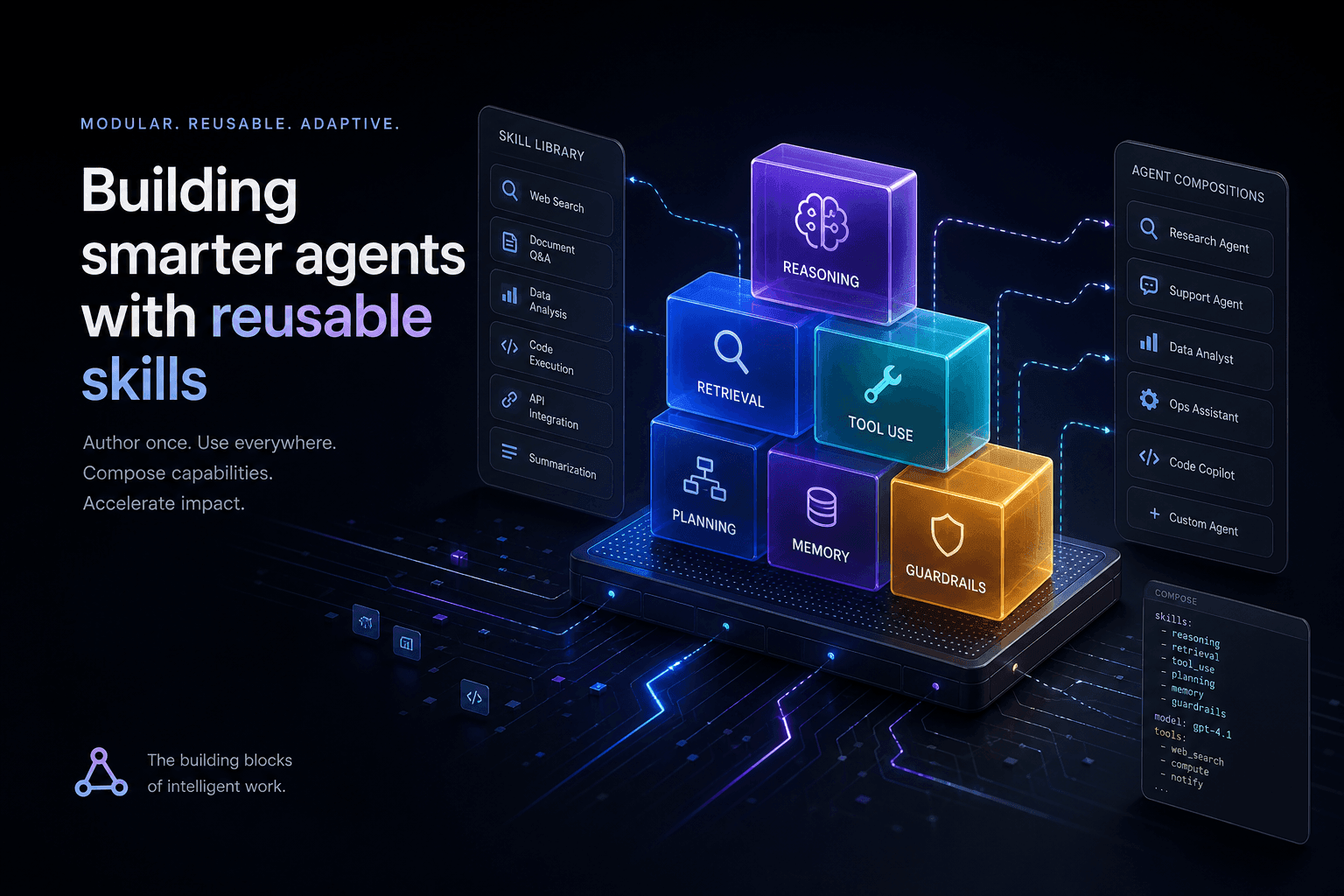
Claude Code Skills: The Complete Authoring Guide
The definitive guide to authoring Claude Code Skills. Learn how to build reusable agent capabilities that save hours and standardize quality across your projects.
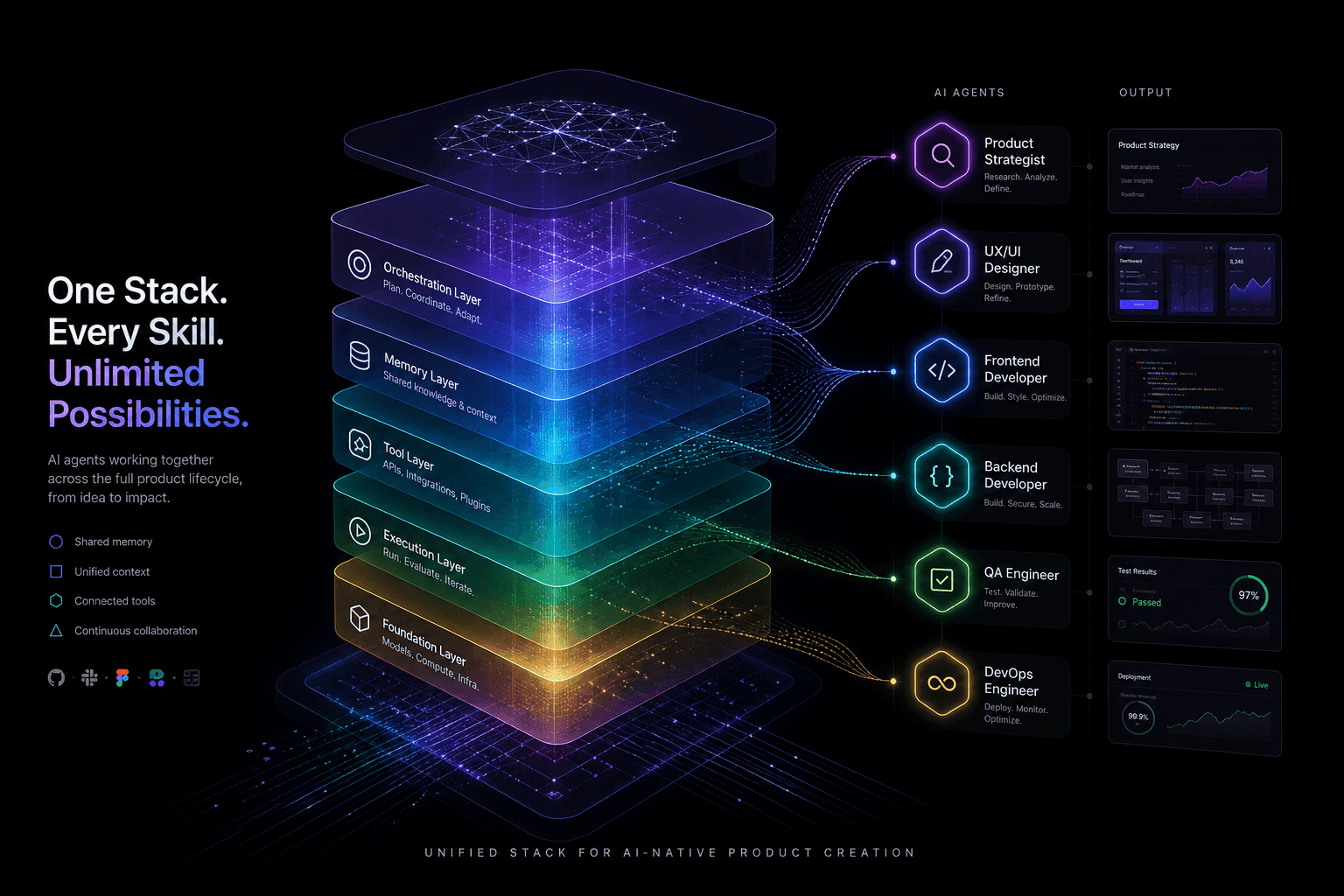
The Agentic Design Stack in 2026: Claude Code, Codex, AI Studio, Antigravity, Cursor, and Stitch Compared
The complete 2026 agentic stack comparison: which AI agent to reach for based on the job—design, build, review, or coordinate.
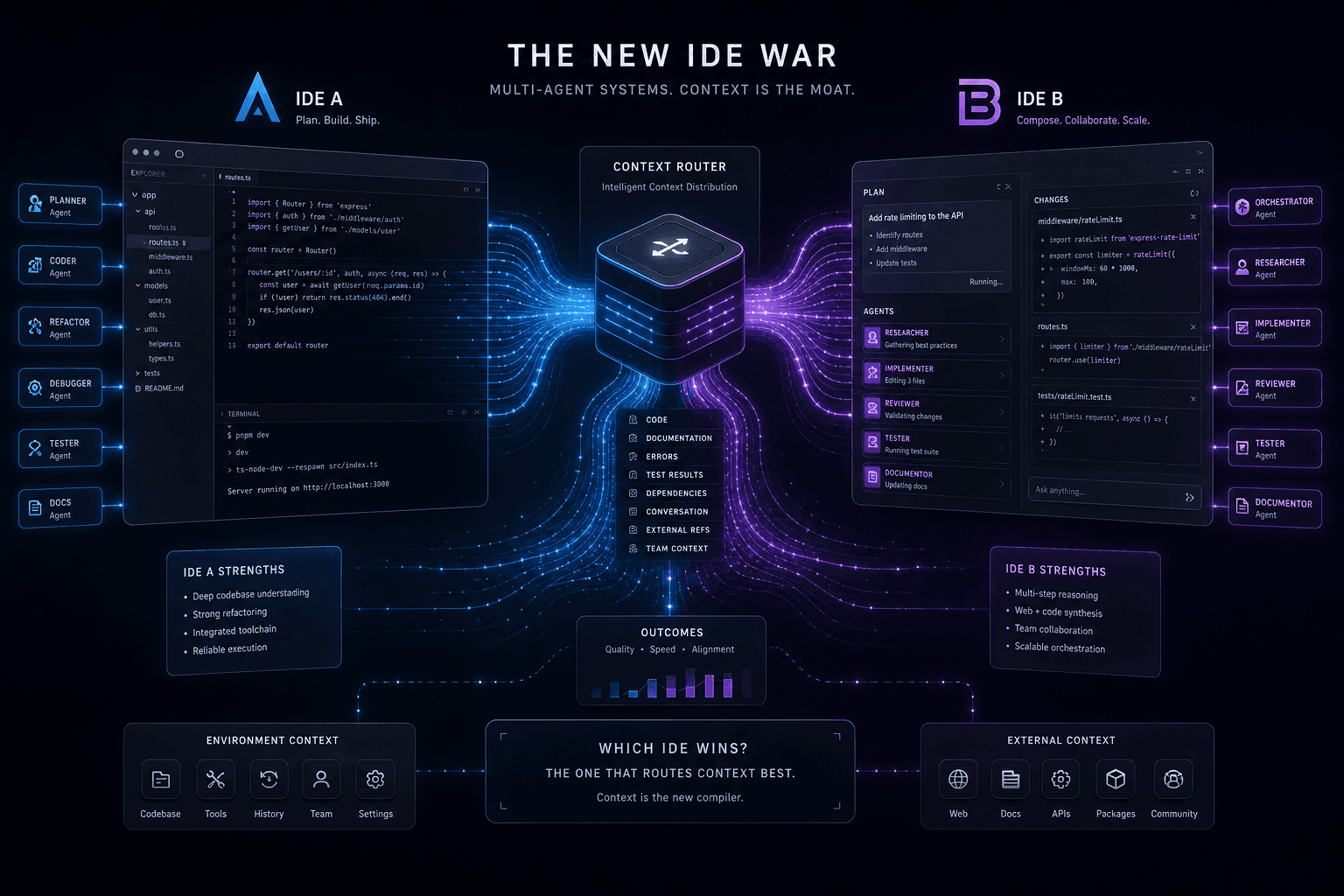
Antigravity vs. Claude Code: The Multi-Agent IDE Decision Framework for Context-Heavy Builds
The definitive 2-way decision framework for choosing between Google Antigravity and Claude Code on context-heavy builds. When to dump everything vs. scope tightly, and which tool handles browser-use, multi-agent orchestration, and handoffs better.