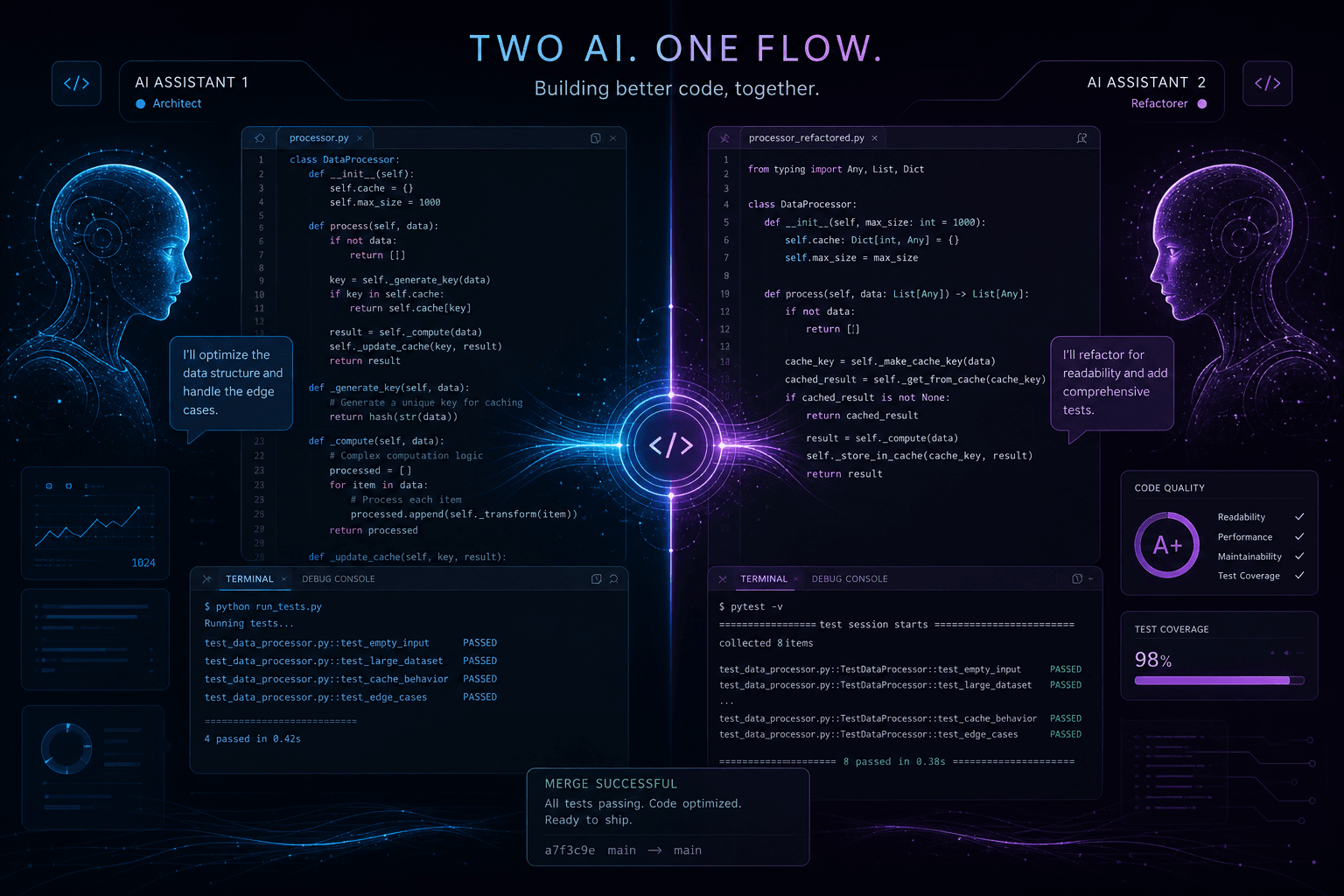
How I Use Cursor and Claude Code Together: A Real Daily Workflow

Table of Contents
How I Use Cursor and Claude Code Together: A Real Daily Workflow #
Why Use Both? They Complement, Not Compete #
The short answer: Cursor owns the implementation layer; Claude Code owns the architecture layer. They're not competitors—they're分工 (division of labor) partners that handle fundamentally different scopes of work.
I run both tools because they were built for different jobs. Cursor, from Anysphere, is an editor-first AI. It lives inside your IDE, sees your cursor position, understands your tab completion context, and operates within the 100,000-token window that the Composer 2 agent model provides. It's optimized for flow state—the moment-to-moment writing, editing, and refactoring that happens when you're already inside the codebase.
Claude Code, from Anthropic, is a terminal-native agent. It runs in your shell, sees the entire repository (and with recent context window expansions, can hold multi-file architectural context across sessions), and was designed for long-horizon tasks that require sustained reasoning across dozens of files. Claude Code's agentic loop includes skills, hooks, subagents, and MCP integration—tools built for orchestration, not just code generation.
| Dimension | Cursor | Claude Code |
|---|---|---|
| Primary home | IDE (VS Code fork) | Terminal / shell |
| Context model | 100K tokens (Composer 2) | 200K+ tokens (Claude 4 series) |
| Best at | Single-file edits, flow state, tab prediction | Multi-file refactors, architectural analysis |
| Agentic depth | Composer agent mode (reactive) | Full agent loop with planning (proactive) |
| Extensibility | Cursor rules, MCP | Skills, hooks, subagents, MCP |
| Pricing | $20/month Pro, $0.50/M input tokens | $100/month Max plan for heavy use |
The mental model I use: Cursor is my pair programmer sitting next to me at the keyboard. Claude Code is my staff engineer in the terminal who can step back and see the whole system. You don't ask your pair programmer to redesign the database schema while you're typing a React component—and you don't ask your staff engineer to watch you write CSS. Same logic here.
Morning Planning with Claude Code #
My mornings start in the terminal, not the editor. Before I write any code, I need to understand what I'm working with—and that's where Claude Code's repository-wide context shines.
I open a terminal, navigate to the project root, and run claude. First prompt is always some variation of: "Analyze the current codebase structure. What are the main architectural patterns, the tech stack, and any obvious technical debt or inconsistencies I should know about before starting today's work?"
Claude Code scans the directory structure, reads key configuration files (package.json, tsconfig.json, next.config.js, .cursorrules if present), and identifies the major modules. For a typical Next.js project, it'll surface the routing strategy (App Router vs. Pages), the state management approach, the component architecture, and any testing setup. If there are obvious issues—like missing environment variables, outdated dependencies, or conflicting ESLint configs—it flags them immediately.
Here's what this morning loop looks like in practice:
- Context gathering (5 minutes): Claude Code reads the codebase structure and key files
- Priority identification (5 minutes): I ask about the most important pending tasks or technical gaps
- Architectural alignment (10 minutes): We discuss any large changes needed before implementation work
If I'm joining an existing project or coming back to something I haven't touched in weeks, I'll run a deeper analysis: "Explain the data flow from user authentication through to the database for this application. Include the key files involved and any middleware layers." Claude Code will trace the request pipeline, identify the auth middleware, show the API route handlers, and map the database schema relationships.
This morning planning phase saves me hours. I've walked into codebases that would have taken a full day to manually map, and Claude Code gave me the mental model in 15 minutes. By the time I open Cursor, I know exactly where the files live, how they connect, and what the conventions are. I'm not guessing; I'm executing with full context.
In-Editor Work with Cursor: Tab Completion and Composer #
Once I have the architectural map from Claude Code, I switch to Cursor for implementation. This is where the majority of my day lives—writing components, styling UI, fixing bugs, and iterating on features.
Cursor's tab completion is the feature that keeps me in flow. The model—distinct from the chat model and optimized purely for speed—predicts not just the next line but multi-line completions based on surrounding context. When I'm writing a React component, Cursor predicts the props interface, the state hooks, and the JSX structure as I type. The "next edit prediction" feature is subtle but powerful: after I make a change, Cursor highlights where I probably need to go next, keeping my hands on the keyboard and my brain in the problem.
Tab completion patterns I rely on:
- Boilerplate completion: Writing a new API route? Cursor sees the pattern from existing routes and fills the structure—imports, handler function, error handling—before I finish the filename.
- Pattern inference: If the codebase uses a specific error handling pattern (like a custom
AppErrorclass with status codes), Cursor predicts that pattern when it sees athrowstatement. - Multi-line logic blocks: Complex conditionals, switch statements, or reducer logic often come out nearly complete with a single tab.
When the task spans multiple files, I switch to Composer. Composer 2—Cursor's frontier-level coding model—scores 61.3 on CursorBench, 61.7 on Terminal-Bench 2.0, and 73.7 on SWE-bench Multilingual as of May 2026. It's priced at $0.50/M input and $2.50/M output tokens, which is roughly 3x the base model but worth it for complex refactors.
I use Composer in two modes:
- Ask mode: When I need to understand or plan. "Show me how to refactor this class component to use hooks while preserving the lifecycle logic."
- Agent mode: When I want it to execute. "Refactor all class components in
/componentsto function components with hooks. Run tests after each file to verify."
Agent mode is where Cursor gets closest to Claude Code's territory. It can read multiple files, write changes, run terminal commands, and iterate based on test output. The difference is scope: Cursor's agent mode operates within the 100K token context window and stays focused on the immediate task. Claude Code can hold broader architectural context across a 200K+ window and plan multi-step strategies.
For most implementation work—adding a feature to an existing component, wiring up a new API endpoint, styling a new page—Cursor is the only tool I need. It's faster, it's integrated, and it keeps me in flow.
When to Switch to Claude Code: Long-Horizon Agent Tasks #
There are specific signals that tell me to leave Cursor and open Claude Code. These aren't hard rules—they're patterns I've learned from hitting walls with the wrong tool.
Signal 1: The task touches more than 5–7 files. Cursor's Composer 2 can handle multi-file edits, but the 100K token context window becomes a constraint when you need deep understanding of relationships across a large surface area. Claude Code's 200K+ window lets it hold entire module structures in context simultaneously.
Signal 2: The refactor requires planning before execution. If I need to ask "What's the migration strategy for moving from Redux to Zustand across this entire application?"—that's Claude Code territory. It can analyze the current Redux usage, identify edge cases, plan the phased migration, and then execute it file by file with consistency checks.
Signal 3: Cross-repository work. When I'm modifying both a frontend and a backend in separate repos, or updating a shared library that affects multiple projects, Claude Code can open multiple directories and maintain context across them. Cursor is project-scoped.
Signal 4: Long-running tasks that need to survive context loss. Cursor sessions can time out or lose context on complex loops. Claude Code was built for sustained agentic loops—tasks that take 30+ minutes of continuous work with self-correction.
Signal 5: Architectural decisions with trade-offs. When I need to evaluate approaches—"Should we use server actions or API routes for this feature? Consider caching, error handling, and type safety"—Claude Code's reasoning depth produces better analysis.
Signal 6: Integration with external systems via MCP. While Cursor supports MCP, Claude Code's implementation is more mature and supports both stdio and HTTP/SSE transports natively. When I'm querying a database, checking Notion docs, or reading from a CMS via MCP, I default to Claude Code.
Real example: I recently needed to migrate a client's authentication system from JWT cookies to session-based auth with Redis. This touched the middleware, the API routes, the React context provider, the logout logic, the server-side data fetching, and the test suite. I started in Cursor, realized I was losing track of which files needed which changes, and switched to Claude Code. It held the entire auth flow in context, identified three edge cases I would have missed (CSRF token handling, session refresh on SSR, and the mobile app's cookie expectations), and executed the migration in a single sustained session.
The switch doesn't mean abandoning Cursor. It means choosing the right scope for the job.
Multi-File Refactors: Cursor's Composer at Full Power #
Cursor's Composer can handle surprisingly large refactors—if you structure the request correctly. The key is giving it enough context up front, setting clear boundaries, and building in verification loops.
Here's my Composer pattern for multi-file work:
Step 1: Context priming (1–2 minutes)
Before asking for changes, I use Composer's "Add context" feature to include the key files. If I'm refactoring a component library, I'll add the main component, the types file, the utility functions it imports, and one or two usage examples. This primes the model with the patterns it needs to replicate.
Step 2: Explicit scope definition
Instead of vague requests like "improve the button component," I use scoped prompts:
Refactor the Button component to support polymorphic rendering with the `as` prop.
Requirements:
- Support `as="a"` for links, `as="button"` for buttons (default)
- Preserve all existing variant styles (primary, secondary, ghost)
- Maintain TypeScript type safety with proper prop inference
- Update the component's prop types interface
- Export the updated types from the index file
- After each file change, run `npm run typecheck` to verify no type errors
Step 3: Iterative execution
Composer in agent mode works best when it can iterate. I always include a verification command: "After each file change, run the TypeScript compiler to check for errors." This creates a self-correcting loop—if a change breaks types, Composer sees the error output and fixes it before moving to the next file.
Step 4: Review before accept
Composer shows a diff view of all proposed changes. I review these carefully, especially for:
- Deletions that might break other files not in context
- Type changes that could propagate to unexpected places
- Style changes that deviate from the existing pattern
When Composer hits its limit:
If the refactor touches more than ~10 files or requires understanding relationships across distant parts of the codebase, I switch to Claude Code. Composer's 100K token window is generous but finite. Claude Code's larger window and sustained agentic loop handle scope that would fragment in Composer.
Composer benchmarks (May 2026):
- CursorBench: 61.3
- Terminal-Bench 2.0: 61.7
- SWE-bench Multilingual: 73.7
These scores put Composer 2 in frontier territory for editor-integrated agents. For refactors within its context window, it's the fastest path from intent to working code.
Testing and Debugging: The Split Responsibility #
Debugging is where the Cursor/Claude Code split becomes most visible. The two tools handle different phases of the debug cycle with different strengths.
Phase 1: Test writing → Cursor
When I need tests for a new feature, I stay in Cursor. The Composer can see the implementation code I'm testing and generate the test cases with proper mocking. I'll prompt:
Write Jest tests for the `useAuth` hook I just created. Cover:
- Successful login with valid credentials
- Failed login with error handling
- Session expiration and automatic logout
- The loading state during async operations
Composer generates the test file, imports the right utilities from @testing-library/react, and sets up the mock providers. If I need to adjust the test pattern, I tab-complete the changes or iterate in Composer's ask mode.
Phase 2: Local bug fixing → Cursor
For bugs with clear error messages—a type mismatch, a missing prop, a broken import—Cursor's immediate feedback loop wins. I see the error in the terminal or browser console, ask Composer "Fix the TypeScript error in Button.tsx", and get the correction without leaving the editor.
The tab completion model even helps predict the fix before I ask. When I see a red squiggle, I often just start typing the correction and Cursor completes it.
Phase 3: Systemic issue analysis → Claude Code
When the bug is subtle, spans multiple files, or involves data flow that I can't trace mentally, I switch to Claude Code. The prompt pattern:
There's a bug where user data doesn't persist after page refresh.
Trace the data flow from login through to session storage.
Identify where the data is being lost and propose a fix.
Claude Code can:
- Read the auth context provider, the API routes, the middleware, and the localStorage/sessionStorage code
- Identify that the bug is in the hydration mismatch between server and client
- Propose a fix that handles the Next.js SSR/CSR boundary
- Apply the fix across the affected files
Phase 4: Root-cause investigation → Claude Code
For production bugs with logs but no clear reproduction, Claude Code's ability to analyze patterns across the entire codebase is essential. I'll paste in error logs and ask it to find similar error patterns, identify the likely source, and propose monitoring improvements.
The handoff:
I often start debugging in Cursor, realize the issue is deeper than a single file, and switch to Claude Code with context: "The auth bug I was working on in Cursor is more complex. Here's the error and the files I've checked..." Claude Code picks up the investigation without losing the context I've already gathered.
The Handoff Pattern: Cursor for Implementation, Claude Code for Architecture #
The core philosophy of my workflow: Cursor executes; Claude Code designs. This isn't just about preference—it's about matching the tool's strengths to the nature of the work.
The design phase (Claude Code):
Before any significant feature, I start in Claude Code with architecture questions:
- "What data models will we need for this feature?"
- "Which API endpoints should exist, and what are their contracts?"
- "Should this be a server component or client component in Next.js?"
- "What's the state management strategy—local state, context, or external store?"
Claude Code produces a design document in CLAUDE.md or a planning file. It lists the files to create, the interfaces to define, and the implementation order.
The execution phase (Cursor):
With the design in hand, I switch to Cursor and implement. The Composer creates the files, writes the components, and wires up the logic. Because I already have the architectural context from Claude Code, I can focus purely on implementation details—prop names, styling, error handling.
Maintaining state across handoffs:
The risk in switching tools is losing context. I minimize this with three practices:
CLAUDE.md as shared memory: I keep a CLAUDE.md file in the project root with architectural decisions, conventions, and standing rules. Both tools can read it, and it persists across sessions.
Design documents: When Claude Code plans a refactor, it writes the plan to a markdown file in
/docsor/planning. When I switch to Cursor, I open that file as context in Composer.Commit checkpoints: I commit before switching tools. If Claude Code executed a complex refactor, I commit, then open Cursor on that clean state. If Cursor made a mess, I can revert and return to Claude Code with the previous state intact.
Example handoff sequence:
9:00am  Claude Code: Plan the checkout flow architecture
9:30am  Claude Code: Create the data models and API structure
9:45am  [Commit: "Checkout architecture plan"]
10:00am Cursor: Implement the checkout components
12:00pm Cursor: Style and refine the UI
1:00pm  [Commit: "Checkout UI implementation"]
1:30pm  Claude Code: Review for edge cases, add error handling
2:00pm  Cursor: Fix the edge cases Claude identified
This rhythm—design in Claude Code, execute in Cursor, review in Claude Code—keeps the work moving without the tools stepping on each other. Each tool does what it's best at.
MCP Integration Across Both Tools #
Model Context Protocol (MCP) is the glue that keeps my workflow consistent across both tools. Anthropic's open protocol for connecting AI systems to external data and tools now powers integrations in both Cursor and Claude Code—and the ecosystem has grown to 251+ vendor-verified servers as of April 2026.
How MCP works:
MCP servers act as bridges between your AI assistant and external systems. Once connected, the AI can read from databases, query APIs, access documentation, and interact with tools—without you copying and pasting data between windows.
MCP transport types:
| Transport | Use case | Best for |
|---|---|---|
| Stdio | Local process execution | File system tools, local databases, git operations |
| HTTP/SSE | Remote connections | SaaS APIs, cloud services, hosted databases |
My daily MCP stack:
Filesystem MCP (stdio): Gives the AI structured access to the project file tree, file contents, and directory operations. Both Cursor and Claude Code use this for file navigation.
Notion MCP (HTTP): Connects to my Notion workspace for project documentation, specs, and meeting notes. When I ask Claude Code "What were the requirements for the checkout flow?" it queries Notion directly.
GitHub MCP (HTTP): Reads issues, PRs, and repository context. Useful for "Summarize the open issues labeled 'bug' that affect the auth module."
PostgreSQL MCP (stdio, local): Direct database access for schema inspection and test data queries during development.
Configuration:
In Claude Code, I add MCP servers via CLI:
claude mcp add --transport http notion https://api.notion.com/mcp/Or in the global config at ~/.claude/mcp.json:
{
  "mcpServers": {
    "notion": {
      "transport": "http",
      "url": "https://api.notion.com/mcp/",
      "headers": {
        "Authorization": "Bearer ${NOTION_TOKEN}"
      }
    }
  }
}
Cursor's MCP configuration lives in project settings. Both tools support environment variable substitution (${ENV_VAR}) for credentials, so I never hardcode tokens.
Behavior consistency:
The same MCP server behaves identically whether called from Cursor or Claude Code. If I query my Notion database in Claude Code to understand requirements, then switch to Cursor and ask about those same requirements, the MCP server returns consistent data. This means I don't lose ground when switching tools—the external context comes with me via the shared protocol.
When MCP decides the tool:
If a task requires heavy MCP usage—querying a CMS for content migration, reading from a design system database, or integrating with a third-party API—I'll often default to Claude Code. Its MCP implementation is more mature and handles complex multi-step tool use better. Cursor supports MCP but is still catching up in edge-case handling.
Rules, Skills, and Hooks: My Configuration Setup #
Both tools become exponentially more effective with proper configuration. I spend time upfront setting up rules, skills, and hooks so that every session starts with the right context and conventions.
Cursor: .cursorrules file
The .cursorrules file in my project root tells Cursor how to behave. It's a markdown file with standing instructions that Composer reads before generating code. My typical .cursorrules includes:
# Project Coding Standards

## TypeScript
- Use strict mode. No `any` types without explicit justification comment.
- Prefer interfaces over type aliases for object shapes.
- Use explicit return types on exported functions.

## React Components
- Use function components with hooks. No class components.
- Props interfaces must be exported and documented with JSDoc.
- Use the `cn()` utility from `class-variance-authority` for conditional classes.

## Styling
- Tailwind CSS only. No inline styles except for dynamic values.
- Use the design token system in `tailwind.config.ts`.
- Respect the existing component patterns in `components/ui/`.

## Testing
- Write tests for all new utilities and hooks.
- Use React Testing Library patterns, not Enzyme.
This file shapes every suggestion Cursor makes. When I ask for a new component, it follows these patterns automatically. When I refactor, it preserves these conventions.
Claude Code: Skills
Skills in Claude Code are reusable instruction files for common workflows. They're stored in ~/.claude/skills/ or project-local .claude/skills/ directories. I use them for repetitive tasks that need consistent execution.
My most-used skills:
/deploy: Runs the full deploy pipeline—typecheck, build, tests, and deployment command—with confirmation prompts at each step./simplify: Takes complex code and refactors it for readability. Useful for PR review cleanup./debug: Systematic debugging protocol—logs, traces, root cause hypothesis, fix proposal./batch: Executes the same operation across multiple files (e.g., "Add 'use client' directive to all files using useState").
Skills follow the Agent Skills open standard with Claude Code extensions for invocation control and subagent execution. When I run /deploy, Claude Code knows the sequence without me retyping it.
Claude Code: Hooks
Hooks fire on lifecycle events and can trigger scripts, HTTP requests, or subagents. My ~/.claude/hooks/ directory includes:
- Pre-prompt hook: Loads context from CLAUDE.md and recent git history before each session
- Pre-commit hook: Runs linting and typechecking before any Claude Code-initiated commit
- Post-completion hook: Logs completed tasks to my project tracker
Hooks are subtle but powerful. They automate the hygiene work—linting, logging, context loading—so I can focus on the actual problem.
Maintaining consistency:
Both tools read the same CLAUDE.md for project conventions. The .cursorrules and skills reinforce the same patterns. This means whether I'm in Cursor or Claude Code, the generated code follows the same style, the same architecture, and the same conventions. The workflow feels unified even though the tools are different.
A Real Day: Timestamps and Decision Points #
Theory is fine, but here's what this actually looks like on a typical day. This is a real workflow from a recent client project—a Next.js e-commerce site with a custom checkout flow.
8:45am — Morning context (Claude Code)
I open the terminal and run claude. The prompt: "Summarize the state of the checkout feature branch. What was completed yesterday, what's still open, and are there any blockers?"
Claude Code reads the git log, checks the TODO.md file in the project root, and reviews the latest commit messages. It reports: the payment form is done, the order summary component is 80% complete, but the shipping calculation logic has a bug where tax isn't being applied correctly for international addresses.
Decision point: Stay in Claude Code for the bug investigation. This requires tracing data flow across the shipping module, tax API integration, and the checkout context.
9:15am — Bug investigation (Claude Code)
Claude Code traces the shipping calculation: the calculateTax function in lib/tax.ts is being called, but it's receiving a partial address object that doesn't include the country code. The bug is in how the shipping form validates and passes data to the calculator.
Claude Code identifies three files that need changes, proposes a fix that adds defensive validation, and executes the changes. I review the diff and approve.
Decision point: Switch to Cursor for the UI work. The tax bug is fixed; now I need to style the error states that the fix introduced.
10:00am — Implementation block (Cursor)
I open Cursor and use Composer to add error states to the shipping form. The prompt: "Add inline error messages for the address validation failures. Use the existing ErrorMessage component from components/ui/. Style with the warning color from the design system."
Composer generates the JSX, adds the conditional rendering logic, and updates the CSS classes. I tab-complete a few refinements to the spacing.
12:00pm — Lunch break
1:00pm — Feature planning (Claude Code)
The client requested a new feature: gift card support. This is an architectural addition that touches the payment flow, the order model, and the confirmation email templates.
I switch back to Claude Code: "Plan the gift card feature. What data models do we need? How does this integrate with the existing checkout flow? What are the validation requirements?"
Claude Code produces a plan: add a giftCards table, modify the orders table to reference it, create a gift card validation API, update the checkout form to accept gift card codes, and add the gift card discount to the order summary calculation.
Decision point: Stay in Claude Code for the data model changes. This spans multiple files and needs consistency.
2:30pm — Data model implementation (Claude Code)
Claude Code creates the migration files, updates the Prisma schema, and generates the API routes. The work spans 8 files across prisma/, app/api/, and lib/.
3:15pm — UI implementation (Cursor)
With the backend in place, I commit the changes and switch to Cursor. Composer generates the gift card input component, the validation logic on the frontend, and the integration with the checkout form.
4:30pm — Cross-tool review (Claude Code)
Before wrapping up, I switch back to Claude Code: "Review the gift card implementation for edge cases. What could go wrong?"
Claude Code identifies three issues: duplicate gift card usage isn't prevented, expired cards aren't validated, and the error messages don't match the rest of the form's tone. I note these for tomorrow.
5:00pm — Day ends
Tool switches: 4 (Claude → Cursor → Claude → Cursor → Claude)
Commits: 3
Time in Cursor: ~4 hours
Time in Claude Code: ~3 hours
This rhythm—architect in Claude Code, execute in Cursor, review in Claude Code—is the daily pattern.
Common Mistakes When Running Both #
Running two AI tools isn't without friction. I've hit these mistakes—and developed habits to avoid them.
Mistake 1: Context drift between tools
Early on, I'd make changes in Cursor, switch to Claude Code, and forget to tell it what I'd done. Claude Code would suggest changes based on the old code state, creating conflicts.
The fix: Always commit before switching tools. The commit message becomes the handoff document. When I open Claude Code after Cursor work, the first prompt references the commit: "I just committed changes for the checkout form UI. Now I need to add the API integration. What's the current state of the checkout API?"
Mistake 2: Redundant work in both tools
I once asked Cursor to refactor a utility function, then later asked Claude Code to review the same codebase. Claude Code didn't recognize the refactor and suggested reverting it, thinking the old pattern was intentional.
The fix: Sync the tools' context using CLAUDE.md. When I make architectural changes in Cursor, I update CLAUDE.md with the new patterns. Claude Code reads CLAUDE.md at session start, so it knows the current conventions.
Mistake 3: Over-relying on Cursor for architecture
Cursor's Composer 2 is powerful—73.7 on SWE-bench Multilingual—but it's still optimized for implementation, not architectural planning. I tried planning a database migration in Composer once, and it produced a plan that missed foreign key constraints and migration ordering.
The fix: Respect the scope boundaries. If the task requires understanding relationships across more than 5–7 files, or if it needs sustained reasoning over 30+ minutes, I default to Claude Code. Cursor is for implementation within known architecture.
Mistake 4: Over-relying on Claude Code for quick edits
Claude Code's startup time and agent loop overhead make it slower for single-file changes. I used to open Claude Code for everything—including quick prop renames that would have been instant in Cursor.
The fix: Ask: "Will this take less than 5 minutes and touch fewer than 3 files?" If yes, use Cursor. The tab completion or a single Composer prompt is faster than Claude Code's initialization.
Mistake 5: Inconsistent MCP configuration
I initially configured MCP servers in Claude Code but not in Cursor. This meant external context (Notion docs, database state) was available in one tool but not the other, creating information gaps.
The fix: Mirror MCP configurations. Both tools now connect to the same Notion, GitHub, and database MCP servers. The protocol is the same; the behavior is consistent.
Mistake 6: Not using skills and rules
Without .cursorrules and Claude Code skills, both tools default to generic patterns. I was manually correcting the same style issues repeatedly.
The fix: Invest the time upfront. One hour writing .cursorrules and defining key skills saves hours of correction over the project lifecycle. The tools become more predictable and require less oversight.
These mistakes are learning curve friction, not fundamental problems. Once the habits are in place—commit before switching, keep CLAUDE.md current, respect scope boundaries—the dual-tool workflow requires no context switching.
FAQ #
Can you use Cursor and Claude Code on the same project simultaneously? #
Yes, and I do this daily. Both tools can operate on the same codebase without conflict because they interact with files through standard filesystem operations. The key is using git to checkpoint state between switches. I typically run Cursor in the IDE for implementation work while keeping a terminal open with Claude Code for architectural analysis, switching between them as the task demands.
Which is better for large refactors: Cursor Composer or Claude Code? #
Claude Code wins for refactors spanning more than 5–7 files or requiring sustained context. Composer 2, despite its strong benchmarks (73.7 SWE-bench Multilingual), operates within a 100K token context window. Claude Code's 200K+ window and agentic loop architecture handle cross-file dependencies and long-running tasks that would fragment in Composer. For single-file or adjacent-file refactors, Composer is faster.
How do you avoid losing context when switching between tools? #
Commit before switching, and maintain a CLAUDE.md file with architectural context. The commit message becomes your handoff document. CLAUDE.md serves as shared memory that both tools read at session start. I also write design plans to markdown files before switching, so the next tool has the full context without requiring me to re-explain.
Does Claude Code support the same MCP servers as Cursor? #
Yes—MCP is a shared protocol. Both tools can connect to the same 251+ vendor-verified MCP servers using identical configuration patterns. Claude Code supports both stdio and HTTP/SSE transports with mature error handling. Cursor's MCP support is newer and works best for simpler queries. I mirror my MCP configuration across both tools for consistent external data access.
What's the learning curve for using both tools together? #
The learning curve is front-loaded but manageable. Expect 1–2 weeks of friction while you develop the habit of committing before switching and respecting each tool's scope. The biggest adjustment is remembering which tool to reach for—Cursor for flow-state implementation, Claude Code for architecture. Once the pattern clicks, the workflow becomes automatic.
Can you use Claude Code skills inside Cursor? #
Not directly—skills are Claude Code-specific. However, I achieve similar results in Cursor using .cursorrules files for standing conventions and Composer context priming for repetitive workflows. The patterns are analogous: both tools support reusable configuration that shapes behavior. Claude Code's skill system is more explicit with slash commands; Cursor's is more implicit through rules and prompts.
Which tool should beginners start with? #
Start with Cursor if you're new to AI coding assistants. Its IDE integration and tab completion provide immediate value with minimal setup. The learning curve is gentler—you're still in a familiar editor, just with smarter assistance. Once comfortable with AI-assisted coding, add Claude Code for the tasks that exceed Cursor's scope. Trying to learn both simultaneously creates unnecessary complexity.
How much does it cost to run both Cursor and Claude Code? #
Cursor Pro is $20/month with usage-based token pricing for Composer 2 ($0.50/M input, $2.50/M output). Claude Code's Max plan is $100/month for heavy use, with lower tiers available. For most developers, the combined cost is $120–140/month—significantly less than the productivity gain. Both offer free tiers to experiment before committing.
Can Cursor's Composer handle the same tasks as Claude Code's agent mode? #
For small-to-medium scope, yes. For long-horizon tasks, no. Composer agent mode handles end-to-end feature setup, debugging with iteration, and multi-file edits within its context window. Claude Code's agent mode sustains longer reasoning chains, handles cross-repository work, and manages more complex orchestration with skills and hooks. The tools overlap in the middle but diverge at the extremes.
What's the best way to structure a project for both tools? #
Maintain clear project conventions in .cursorrules and CLAUDE.md, and organize code into bounded contexts. Both tools perform better when the project structure is predictable. Use consistent naming conventions, separate concerns into distinct directories, and document architectural decisions. The easier it is for a human to navigate, the easier it is for AI assistants to help effectively.
How do you handle version control when using both tools? #
Frequent commits with descriptive messages. I commit before switching tools, after significant changes from either tool, and before starting any agent-driven refactor. This creates safe rollback points and clear history. Both tools can read git history, so descriptive commits also serve as context for future AI sessions. Never let either tool run uncommitted for extended periods.
What hardware requirements do you need for running both? #
Any modern development machine can handle both. Cursor runs as a VS Code fork with standard editor resource usage. Claude Code is terminal-based with minimal overhead. The AI models run remotely, so local hardware only needs to handle the client interfaces. A machine with 8GB+ RAM and a stable internet connection suffices for typical use.
Get This Workflow Running for Your Team #
The Cursor + Claude Code workflow isn't just a personal productivity hack—it's a template for how AI-augmented development teams will operate. The pattern applies at scale: some roles focus on implementation (Cursor), others on architecture and orchestration (Claude Code), with clean handoffs and shared context between them.
I've implemented variants of this workflow for development teams, agency studios, and solo founders. The core is always the same: match the tool to the task, establish clear conventions, and build habits that prevent context loss. The specific configuration—rules, skills, MCP servers, hooks—gets tailored to each team's stack and priorities.
If you're looking to implement AI coding assistants across your team or want to optimize your current setup, I can help. My AI Automation + Growth practice includes developer workflow audits, tool configuration, and team training for Cursor, Claude Code, and the broader AI coding ecosystem.
Book an AI automation strategy call →
Related reading:
- The Complete AI Coding Assistant Showdown: Cursor vs. Claude Code vs. Antigravity vs. Codex — Head-to-head comparison of all major AI coding tools, with benchmarks and use case recommendations.
- Claude Code Masterclass: Skills, Hooks, and Subagent Orchestration — Deep dive into Claude Code's extensibility features and how to build custom skills for your workflow.
- The MCP Architecture Guide: How Model Context Protocol Actually Works — Technical breakdown of the protocol powering tool integrations across both Cursor and Claude Code.
Related Posts
Claude Code Skills: The Complete Authoring Guide
The definitive guide to authoring Claude Code Skills. Learn how to build reusable agent capabilities that save hours and standardize quality across your projects.
The Agentic Design Stack in 2026: Claude Code, Codex, AI Studio, Antigravity, Cursor, and Stitch Compared
The complete 2026 agentic stack comparison: which AI agent to reach for based on the job—design, build, review, or coordinate.
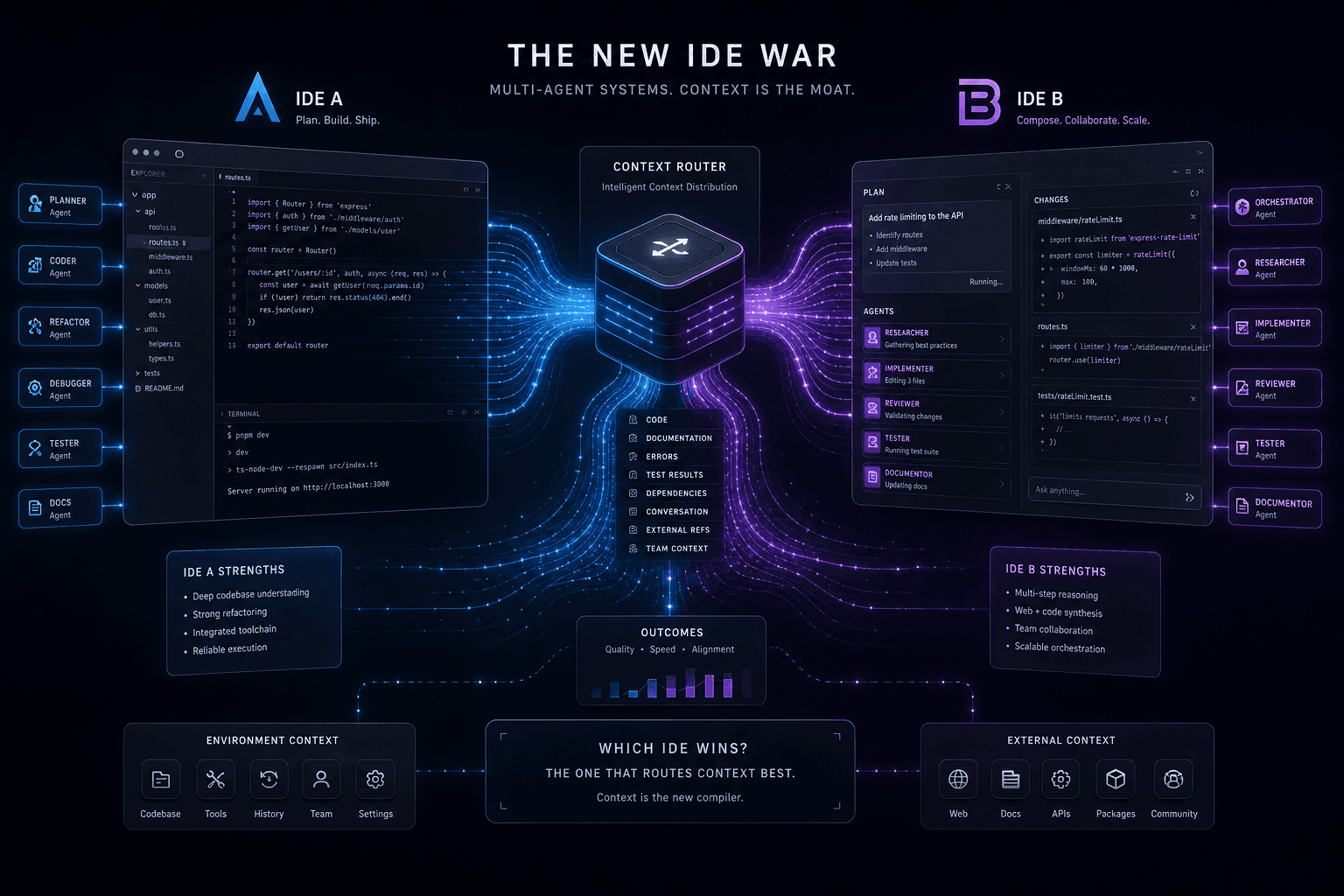
Antigravity vs. Claude Code: The Multi-Agent IDE Decision Framework for Context-Heavy Builds
The definitive 2-way decision framework for choosing between Google Antigravity and Claude Code on context-heavy builds. When to dump everything vs. scope tightly, and which tool handles browser-use, multi-agent orchestration, and handoffs better.