The Ultimate Guide to One-Shot Prompting in GPT-5.5: Coding, Design, and Automation

Table of Contents
The Ultimate Guide to One-Shot Prompting in GPT-5.5: Coding, Design, and Automation #
If you are still using vague, conversational prompts to generate code, design interfaces, or build automations, you are leaving massive amounts of leverage on the table. With the release of OpenAI’s GPT-5.5 (codenamed "Spud") in April 2026, the landscape of AI interaction has fundamentally shifted from casual chatting to precise, architected workflows.
GPT-5.5 is not just a language model; it is an agentic reasoning engine. It is designed to handle tasks that require long-horizon, sequential decision-making with minimal human intervention. But to unlock this power, you need to speak its language.
The industry standard has moved away from zero-shot guessing games and endless "try again" loops. Today, elite operators rely on One-Shot Prompting—a technique where you provide a single, perfectly crafted example of your desired output alongside your instructions.
At williamspurlock.com, we build high-leverage custom AI solutions. Whether we are spinning up an outbound voice agent or an automated Meta Ad pipeline, one-shot prompting is the bedrock of our implementation speed. In this guide, I will break down exactly how to construct one-shot prompts for GPT-5.5 across software development, UI/UX design, and complex automation architectures.
Table of Contents #
- 1. Understanding GPT-5.5 and the Reasoning Effort Paradigm
- 2. The Anatomy of a Perfect One-Shot Prompt
- 3. Software Development: Architecting Code, Not Just Writing It
- 4. UI/UX Design: Enforcing Brand Consistency
- 5. Agentic Workflows: Prompting for n8n and Make.com
- 6. Content & Marketing: Structured Output Extraction
- 7. The "One-Shot" Fallacy: When to Move to Agent Teams
- FAQ Section
- Conclusion
1. Understanding GPT-5.5 and the Reasoning Effort Paradigm #
Before we write a single prompt, we have to understand the machine we are operating. Released on April 23, 2026, GPT-5.5 represents a paradigm shift. It is built from the ground up for autonomous execution.
Unlike older models where you had to explicitly tell the AI to "think step-by-step," GPT-5.5 handles internal reasoning natively. In fact, adding legacy boilerplate phrases can actually hinder its performance.
The reasoning_effort Parameter
#
If you are interacting with GPT-5.5 via the API (specifically the gpt-5.5-pro variant), you now have access to the reasoning_effort parameter. This controls the model's "thinking budget."
- Low/Minimal: Rapid execution for simple tasks (like basic data extraction).
- Medium: The default. Balances speed and deep reasoning.
- High/xHigh: Used for massive codebase migrations, solving complex logic puzzles, or zero-to-one application architecture.
When you combine a High reasoning effort with a pristine One-Shot prompt, you effectively eliminate hallucinations and output formatting errors.
2. The Anatomy of a Perfect One-Shot Prompt #
A one-shot prompt provides the model with a single, concrete example of the desired task, structure, or coding style. This grounds the AI in your specific visual language, component structure, or tone of voice.
The most effective one-shot prompts in 2026 follow a strict structural framework. We use the CRTSE Framework:
- Context: Clearly define the project environment (tech stack, framework versions, libraries).
- Role: Assign a specific persona (e.g., "Act as a senior full-stack engineer").
- Task: State the exact deliverable granularity (e.g., "Implement a REST API endpoint").
- Standards: Define quality requirements (e.g., type safety, error handling patterns).
- Example (The "Shot"): A single, perfectly crafted example of a component or function style you want the AI to emulate.
Always use clear delimiters (like ###, ---, or XML tags like <example>) to separate your instructions from your example.
3. Software Development: Architecting Code, Not Just Writing It #
In software development, one-shot prompting helps the model align its output with your project's specific conventions, naming patterns, or architectural requirements.
If you ask GPT-5.5 to "build a new endpoint," it will guess your framework, your ORM, and your error handling style. If you provide a single example of an existing endpoint, it will flawlessly replicate your architecture.
Example: Standardizing API Endpoints (Next.js/TypeScript) #
Prompt:
You are a Senior Full-Stack Engineer. I need you to create a new controller method based on our existing codebase pattern.

### Context
Stack: Next.js 15, TypeScript, Prisma, PostgreSQL.
Constraints: Use the exact error handling structure shown in the example. Do not use direct Prisma queries in the UI; always route through our service layer.

### Existing Pattern (Example)
```typescript
@Post('/users/register')
async registerUser(@Body() body: RegisterUserDto) {
  try {
    return await this.userService.register(body);
  } catch (error) {
    logger.error('Registration failed', { email: body.email, error });
    throw new ApiError('Failed to register user', 500);
  }
}
Task #
Create a controller method for 'POST /users/invite'. It should accept 'email' and 'name', call 'UserInviteService.inviteUser()', and return the result.
**Why this works:** The model does not have to invent an error-handling schema or guess your logging syntax. It simply extrapolates the exact pattern you provided.

## 4. UI/UX Design: Enforcing Brand Consistency

In 2026, one-shot prompting is an essential technique for UI/UX designers looking to maintain brand consistency and reduce the ambiguity common in zero-shot AI generation.

When generating UI components, do not rely on the example alone. Complement it with Context (the target audience, product goal) and Constraints (specific design system tokens, accessibility requirements like WCAG 2.2).

### Example: Replicating a Design Pattern for a Settings Screen

**Prompt:**
```text
### Role
You are a Senior UI/UX Designer creating consistent, premium web application interfaces.

### Task
Create a component specification for a new "Notification Settings" screen based on the provided style and structure.

### Reference Example (The "Shot")
Input Structure: [Title] + [Grouped List of Toggles] + [Primary Button]
Example: "Account Settings" page with a list of toggles for 'Email Notifications' and 'SMS Alerts', followed by a solid blue 'Save Changes' button. The layout uses an asymmetrical 2-column grid.

### New Input
Create the "Notification Settings" screen. It must include toggles for 'Push Notifications', 'Email Alerts', and 'Sound'. Use the exact layout structure, grid system, and button style as the example provided.

### Constraints
Ensure all text is concise and the layout is free of high cognitive load. Output the structure in a Markdown hierarchy.
Why this works: It prevents the AI from hallucinating a centered, single-column layout when your brand identity relies on an asymmetrical grid.
5. Agentic Workflows: Prompting for n8n and Make.com #
If you are building advanced automations using platforms like n8n or Make.com, one-shot prompting is what prevents your JSON parsing errors from crashing your entire pipeline.
Example: Structuring Data Extraction for a CRM #
Prompt:
Act as a professional data extraction AI. You are processing incoming lead inquiries for a SaaS company.

### Task
Extract the contact details and primary intent from the unstructured text below.

### Constraints
Do not include any conversational filler. Output ONLY in valid JSON format. Replace missing fields with null.

### Example
Input: "Hi, I'm Jane Doe from TechCorp. I want to buy 10 licenses. Reach me at jane@techcorp.com or 555-0101."
Output: { "name": "Jane Doe", "company": "TechCorp", "email": "jane@techcorp.com", "phone": "555-0101", "intent": "purchase_licenses" }

### New Task
Input: {{Webhook_Payload.Raw_Text}}
Output:
Why this works: Automation platforms require predictable data structures. By showing the exact JSON keys and formatting you expect, GPT-5.5 will output clean code that can immediately be passed to your next HTTP Request node without manual formatting loops.
6. Content & Marketing: Structured Output Extraction #
Copywriting and content marketing usually suffer from the "Zero-Shot Problem"—the AI writes in a bland, generic tone. A one-shot prompt solves this by locking in the required brand voice and formatting structure.
Example: Repurposing Content for LinkedIn #
Prompt:
Act as a B2B social media manager. Convert the provided text into a LinkedIn post.

### Example
Input: [1 paragraph of a past blog post on SEO]
Output: 'Just finished a deep dive into semantic SEO! The most surprising takeaway? Topic clusters outweigh keyword density 3 to 1. What are your thoughts on clustering? #Innovation #Tech #Business'

### Task
Match this exact style: professional, concise, ending with a question, and including 3 relevant hashtags.
Input: {{Blog_Content}}
Output:
7. The "One-Shot" Fallacy: When to Move to Agent Teams #
While one-shot prompting is powerful, it has limits. It is a fallacy to assume you can prompt an AI once and have it build an entire SaaS application or a 50-node n8n workflow from scratch.
For complex, multi-stage projects, the industry has shifted from massive single prompts to Cognitive Architectures and Multi-Agent Orchestration.
Instead of a single one-shot prompt to "build a feature," you use one-shot prompts to instruct a Planner Agent to map the architecture, and separate one-shot prompts for Specialist Agents (e.g., a Database Agent, a UI Agent) to execute the pieces. This is exactly how Claude Code operates under the hood, and it is how you should design your internal tools using GPT-5.5.
FAQ Section #
Q: What is the main difference between zero-shot and one-shot prompting? #
A: Zero-shot prompting gives the AI an instruction with no examples, forcing it to guess the desired output format, tone, and architectural structure. One-shot prompting includes a single, highly specific example alongside the instruction, drastically reducing ambiguity and improving output quality.
Q: Do I still need to tell GPT-5.5 to "think step-by-step"? #
A: No. GPT-5.5 is designed for agentic reasoning and natively executes "chain-of-thought" logic. Including legacy instructions like "think step-by-step" or "take a deep breath" is unnecessary and can sometimes disrupt the model's internal processing.
Q: What is the reasoning_effort parameter in the GPT-5.5 API?
#
A: The reasoning_effort parameter allows you to allocate the model's computational "thinking budget" (low, medium, or high). High settings allocate more hidden tokens for planning and logic, which is crucial for complex software architecture, while low settings minimize latency for simple tasks.
Q: Can one-shot prompting be used for full-stack application development? #
A: Yes, but it should be used iteratively. Do not try to prompt an entire application in one shot. Instead, use a one-shot prompt to define the project architecture, then use separate one-shot prompts for individual components, database schemas, and API endpoints, enforcing consistency across the build.
Q: How do I handle complex JSON extraction in n8n or Make.com? #
A: Use a one-shot prompt to provide an exact example of the JSON schema you require. Explicitly state the keys, expected data types, and how to handle missing data (e.g., returning null). This ensures the output is instantly parsable by subsequent automation nodes.
Q: Is one-shot prompting better than few-shot prompting? #
A: In 2026, with highly advanced models like GPT-5.5, one perfectly structured example (one-shot) is usually sufficient and avoids confusing the model with conflicting contextual signals. Reserve few-shot (multiple examples) only for highly nuanced logic tasks where a single example cannot cover all edge cases.
Conclusion #
Prompt engineering is no longer about guessing the magic words; it is about providing clear, structured architecture. As AI models like GPT-5.5 become more autonomous and agentic, the quality of your output scales directly with the quality of your input framework.
By mastering one-shot prompting—especially utilizing the CRTSE Framework (Context, Role, Task, Standards, Example)—you move from generating generic boilerplate to enforcing strict, production-ready standards across your code, UI designs, and automated pipelines.
The AI development race is already won. The foundational tools are here. Stop treating generative AI as a conversational toy, and start treating it as your senior automation engineer.
If you are ready to implement autonomous workflows, sophisticated automations, and deep operational coding logic that scales your business, it is time to build. Reach out and let's build your custom AI solution today at williamspurlock.com.
Related Posts
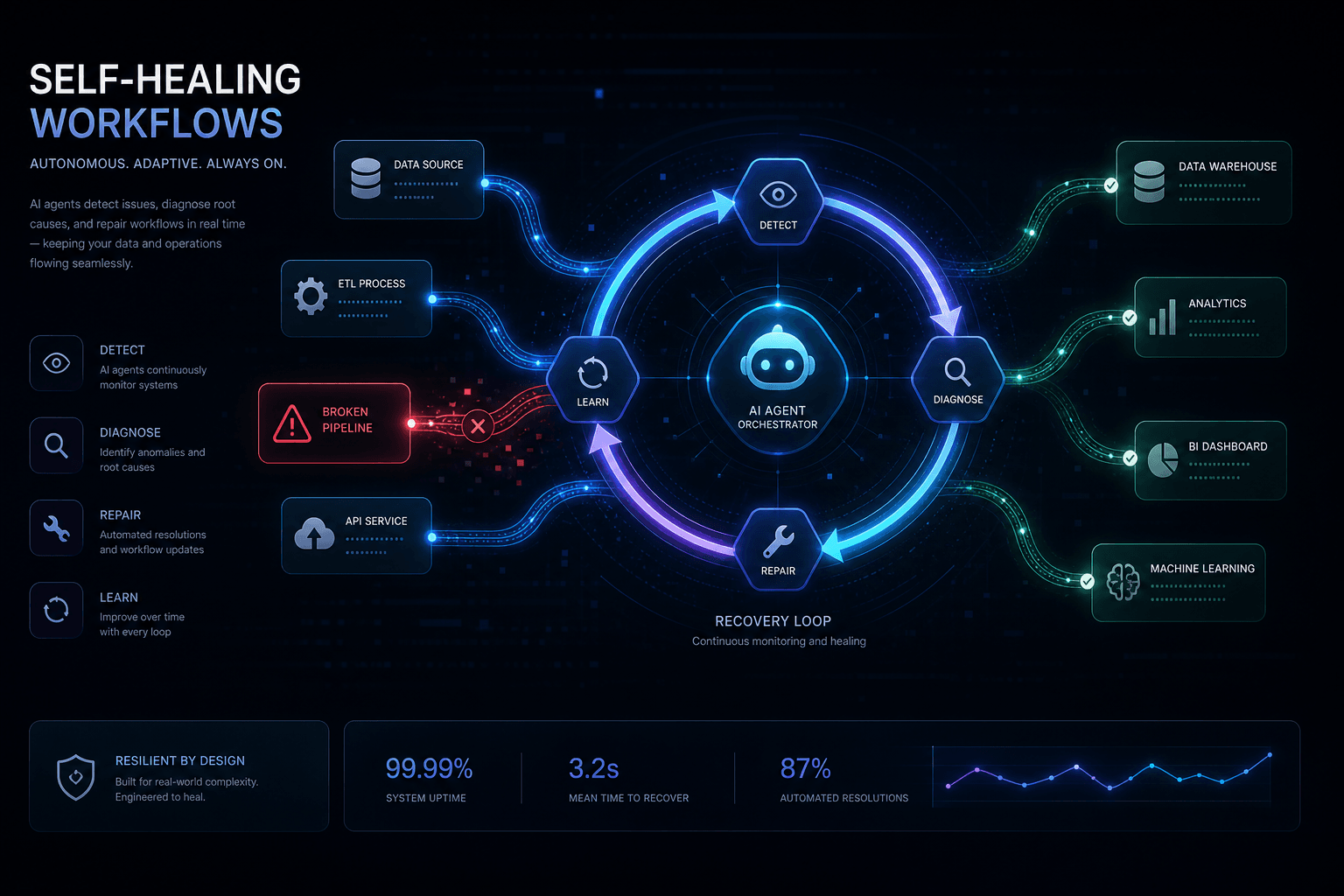
Build a Self-Healing n8n Workflow with Claude as the Recovery Agent
Learn how to build production-grade n8n workflows that automatically detect failures and use Claude as an intelligent recovery agent to fix errors without human intervention.
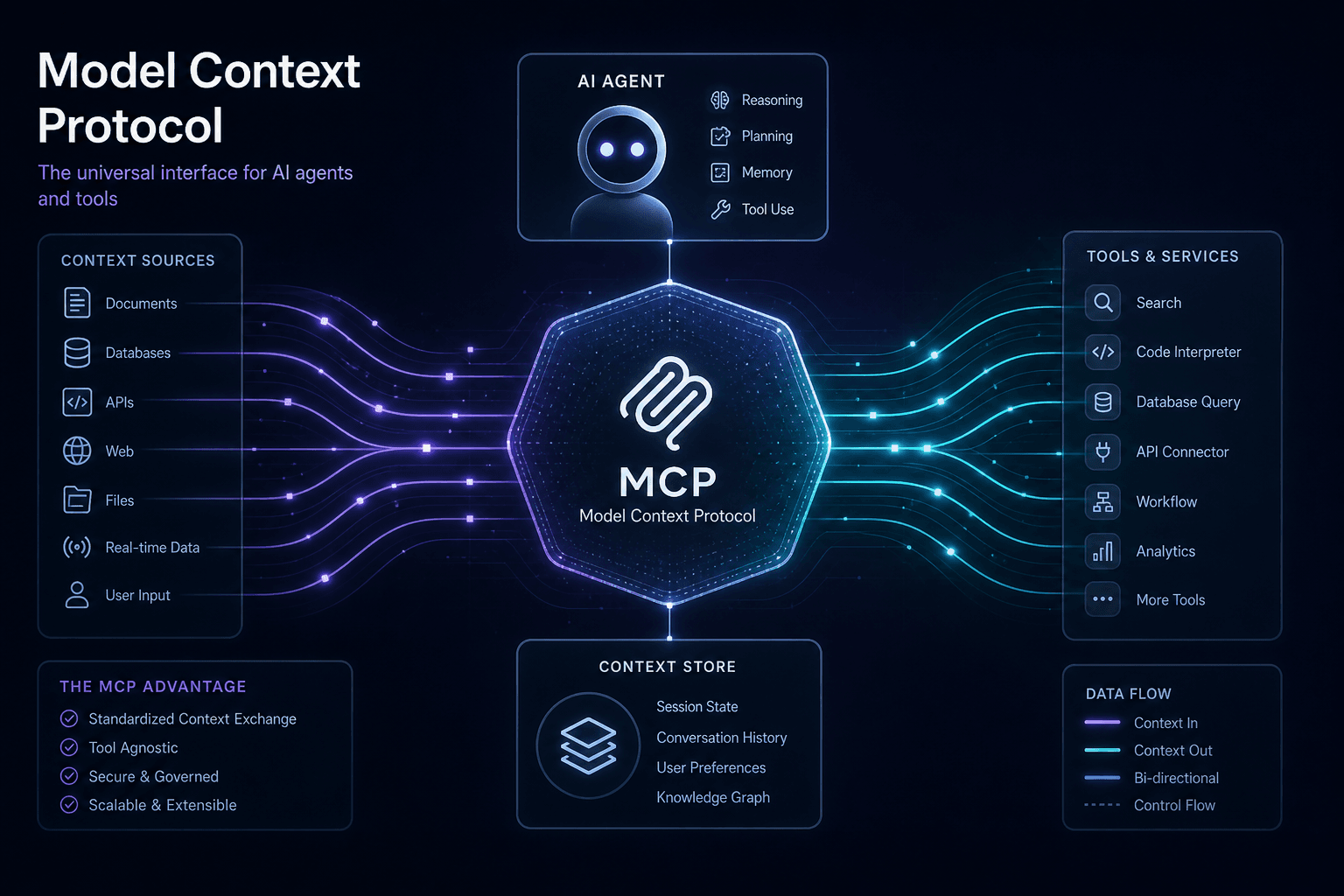
The MCP Architecture Guide: How Model Context Protocol Actually Works
A complete technical breakdown of the Model Context Protocol: how MCP servers expose tools, resources, and prompts to AI agents via JSON-RPC, and why it matters for production automation.
OpenAI vs. xAI: The Trillion-Dollar War for the Future of AGI
An extensive deep-dive into the Musk vs. Altman rivalry, the historic $150B lawsuit, xAI's explosive growth, and the dark reality of the race to AGI.